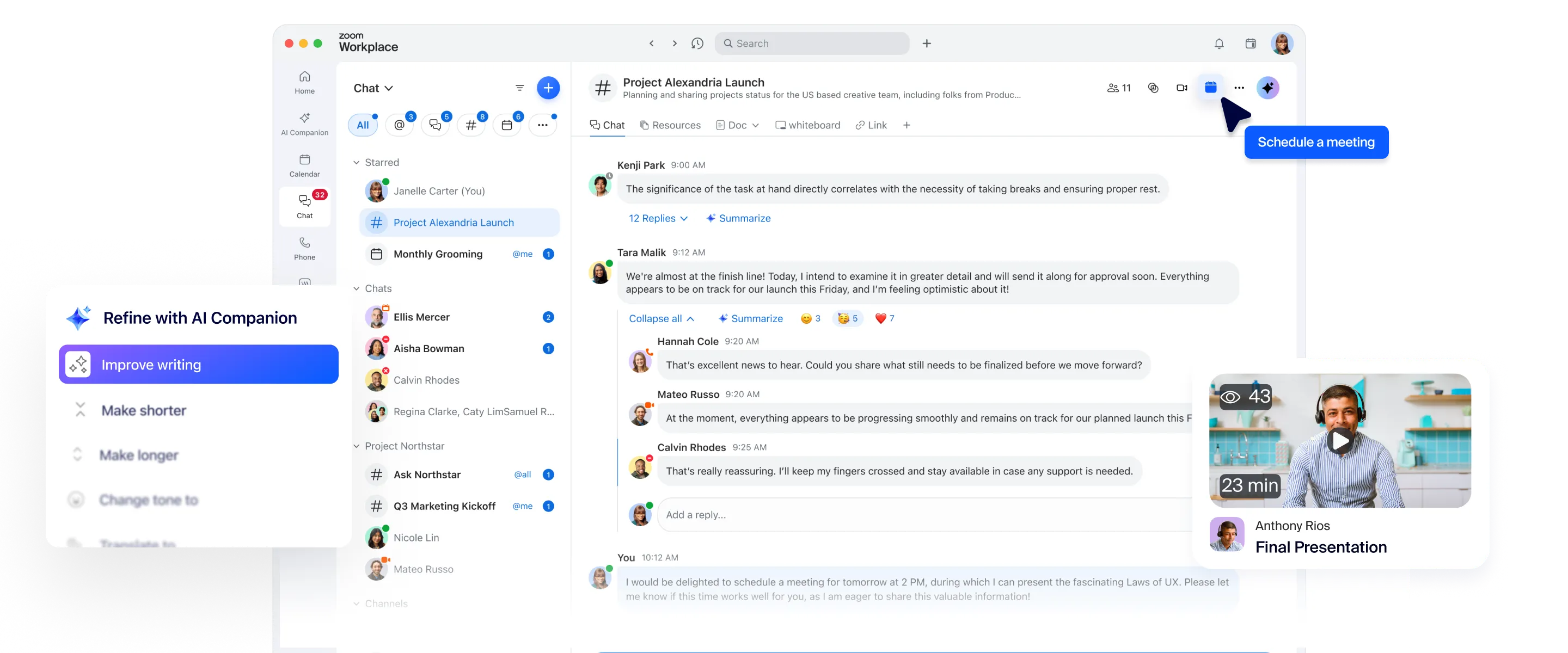
通过 Zoom Chat,您可以获享已经习惯的会议体验,包括聊天、频道和内置 AI,一切功能集成在一个平台中。没有额外费用,也没有封闭的生态系统。

”我们可以使用持续会议聊天功能在会前提出问题,在会议中继续使用会前的聊天记录,会议后也能在聊天中跟进讨论,这让我们摆脱了通过电子邮件收到会议邀请、使用聊天工具进行沟通、在 Word 文档中查看议程,并在其他程序中做笔记的繁琐流程。“
Chris Blackstone
Convera 数字工作区总监

Zoom 与 Microsoft Teams 对比
为何选择 Zoom 而非 Microsoft 进行聊天
Zoom Chat
Microsoft Teams
Zoom Chat 核心功能已纳入所有套餐,无需额外付费。
付费套餐包含 AI Companion 及其他高级功能,起价为每用户每月 ,按年计费
所有付费套餐均包含基础聊天功能。
AI 功能附加组件 (Microsoft 365 Copilot):每用户每月 30.00 美元,按年计费
Native AI tools included*
需要额外获得 CoPilot 许可证
AI meeting summaries to chat
需要高级版或 CoPilot 许可证
Channel summary
聊天模块内置对话串与频道摘要功能,一键即可生成摘要
需要额外获得 CoPilot 许可证
Quick schedule
Sentence completion
Chat compose
Summarize chat threads
需要额外获得 CoPilot 许可证
Mobile quick replies
Document summarization
需要额外获得 CoPilot 许可证
Combine Zoom Meeting chats with all other communication without app switching
是。Zoom Chat 可将您会议前、会议中及会议后的所有沟通整合为无缝体验。
作为 Zoom Meeting 用户,您无需切换至其他应用程序即可继续进行后续沟通。
Zoom 会议结束后,如需开展后续对话,请在 Zoom 与 Microsoft Teams 之间进行切换。
Search across your communication and collaboration tools
支持在 Zoom Workplace 全平台进行高级搜索,涵盖聊天、文档、电子邮件与白板。同时支持 Google、Microsoft 等第三方应用程序。
支持在 Microsoft 365 中进行搜索
Integrated phone capability
Built-in calendar
Built-in mail client
Shared spaces
创建项目协作共享空间,仅限指定成员访问。
通过共享空间内的多个频道,有序管理项目各项事宜。
团队成员加入共享空间后,将自动添加至所有关联频道。
Microsoft Teams 中的团队是成员名单一致的多个频道集合。
Schedule messages
Message reminders
Threaded conversations
Audio & video messages
Native screenshot annotation
Dedicated email address for chats and channels
—
仅包含频道
Create and arrange folders or sections
External chat
External chat controls and dashboard
Resource tabs in chat
Bookmarks
Sent messages tab
Quoting a message
Spotlight chats with starred tab
Chat apps and integrations
App catalogue
Creating and sharing documents
No code/low code builder
Template workflows
Sequential workflows
Conditional workflows
Switchboard workflows
Legal hold
File sharing controls
Automated SSO/IDP channel mapping
LTI Pro integration for education
Customer managed keys
需搭配付费附加组件或 Zoom Workplace 企业版套餐
User group permissions
* Zoom 用户账户的付费服务中包含 AI Companion。AI Companion 不一定适用于所有地区或垂直行业领域。