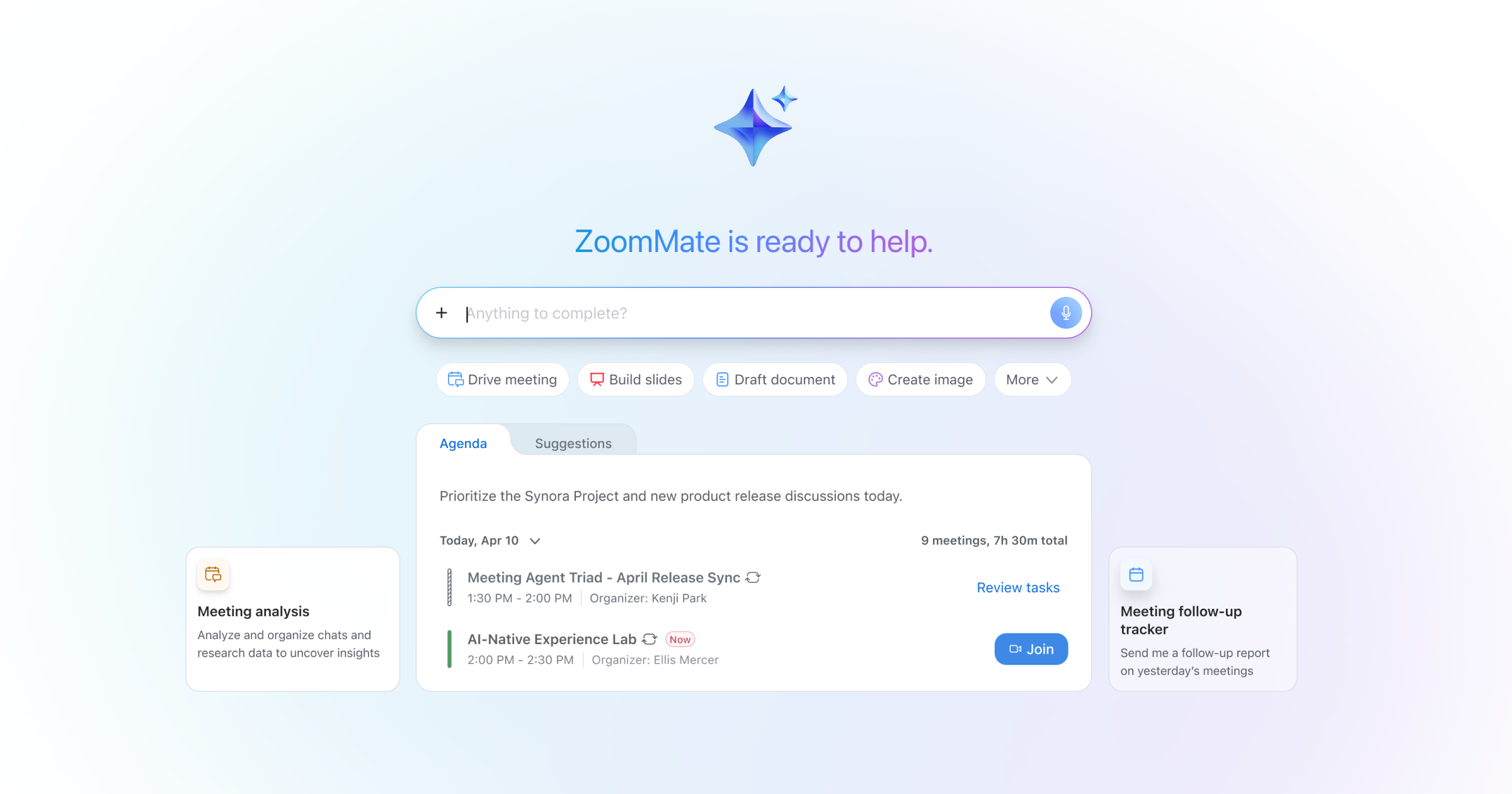
The suite brings together four AI-first tools alongside Zoom Workplace: Zoom Canvas (formerly Zoom Docs), Zoom Sheets, Zoom Slides, and Zoom Paper. Canvas is your foundation — a flexible, collaborative workspace for documents, wikis, and workflows. Sheets, Slides, and Paper build on that with AI-first spreadsheets, presentations, and polished business docs. Together, they form one connected system that moves with you from meeting to deliverable without breaking your flow.
Zoom Canvas (formerly Zoom Docs)
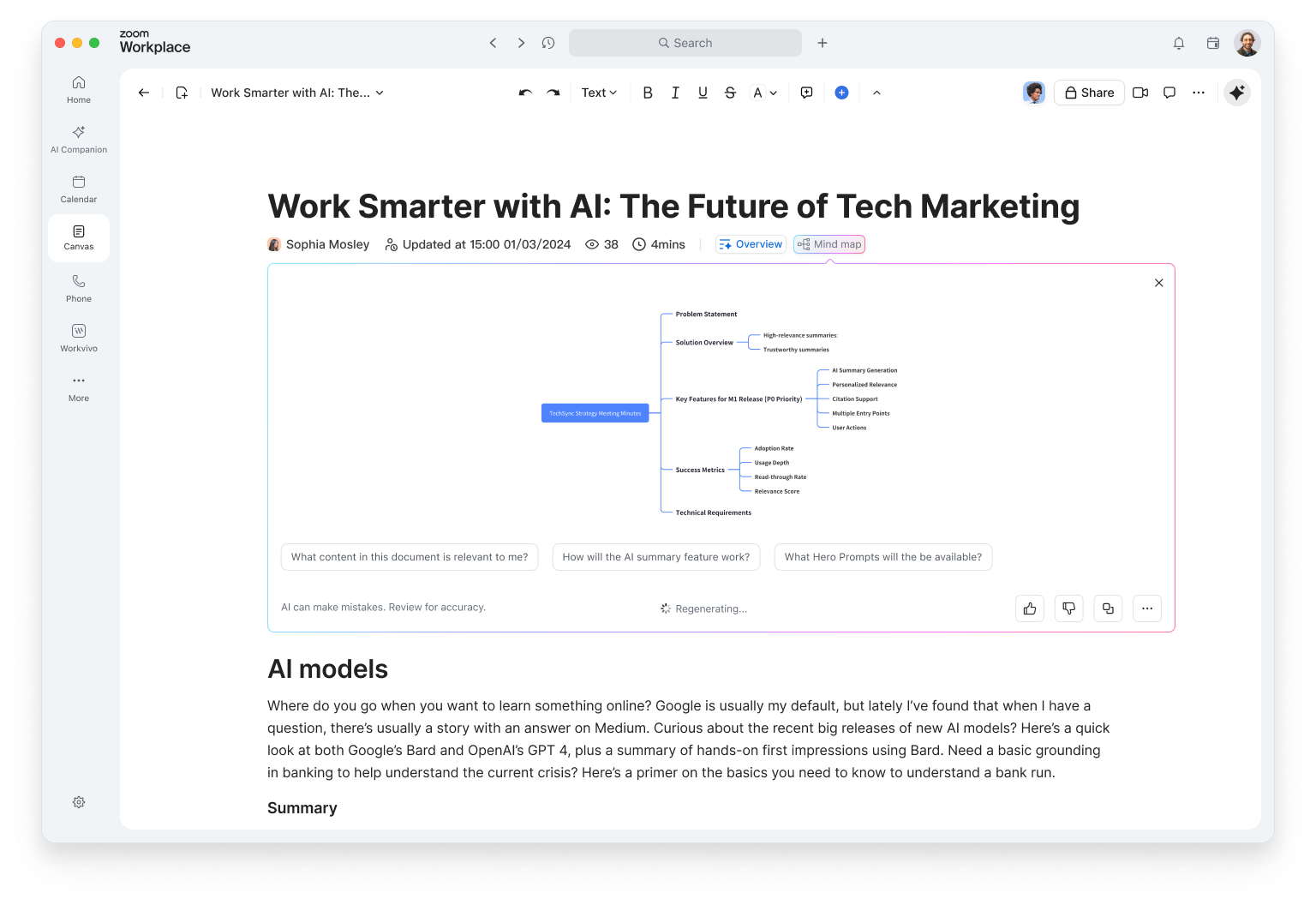
Canvas is where ideas become action. It's an AI-first workspace for creating and collaborating on docs, wikis, tables, and forms — all inside Zoom Workplace. Whether you're drafting a proposal, capturing meeting notes, or building a project tracker, Canvas helps you start with context, not a blank page.
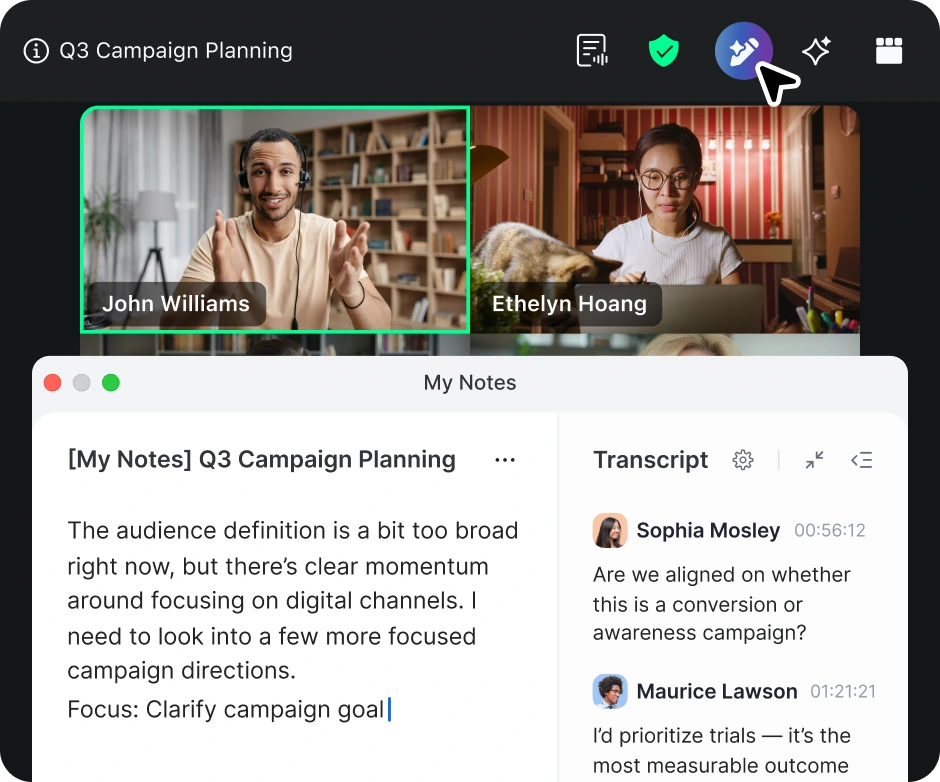
Pull in meeting summaries or transcripts directly from Zoom Meetings to generate a project brief or recap automatically. Use ZoomMate to structure your thoughts, improve clarity, and even suggest next steps. Add tables, forms, and automations to keep work moving — no copy-paste required.
Canvas also powers company wikis and knowledge hubs, complete with nested pages, templates, and smart search. It's flexible enough for any team — from marketing to IT — and it's included with all paid Zoom Workplace plans.
Zoom Sheets
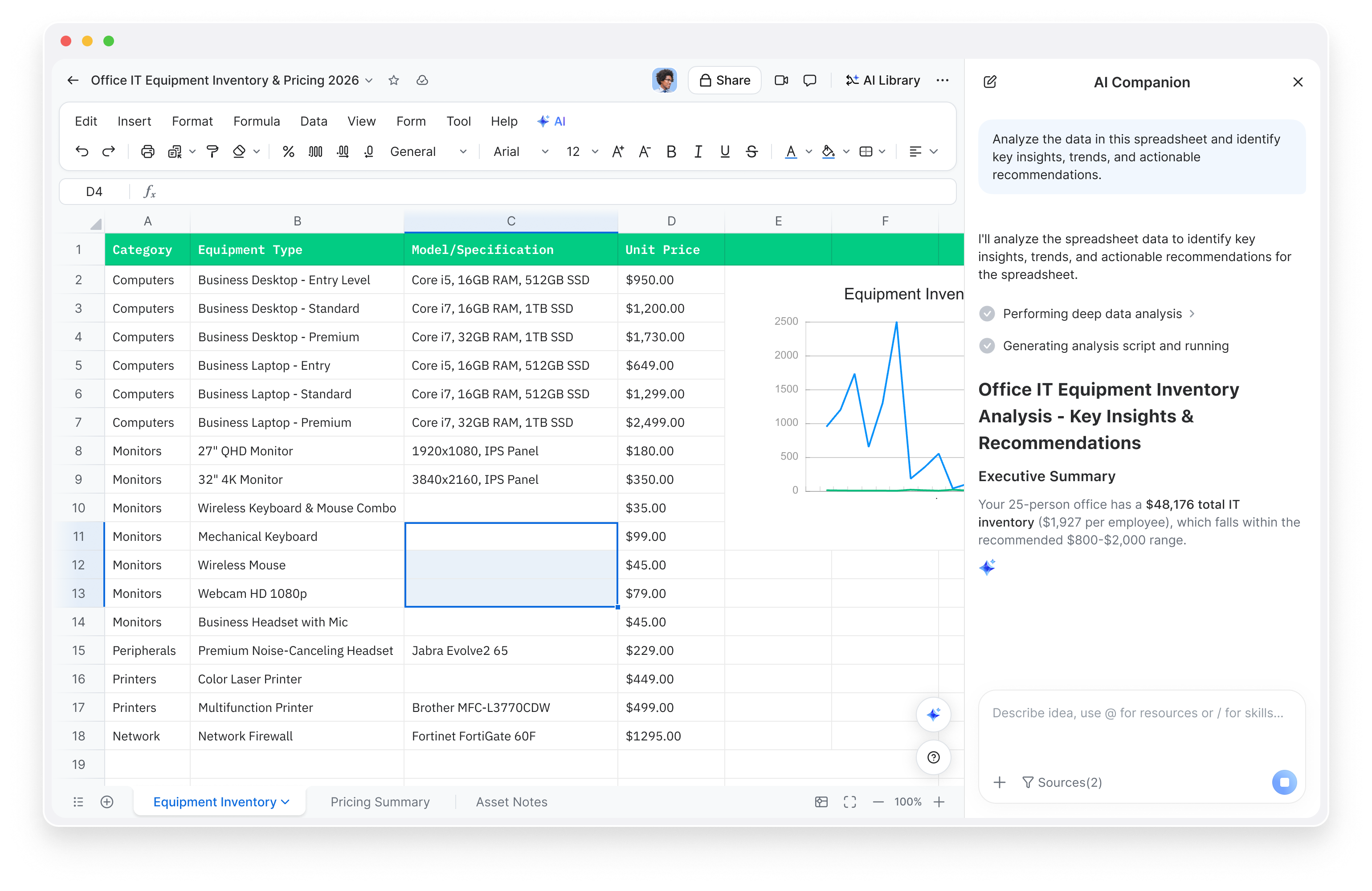
Spreadsheets shouldn't slow you down. Zoom Sheets turns messy data into clear insights — no formulas, no fuss. Ask questions like you'd talk to a colleague: "show me deals closing this quarter," and ZoomMate delivers the answer, complete with charts and analysis.
You can create a sheet from a meeting, a simple prompt, or an imported file. ZoomMate organizes transcripts into structured rows and columns, cleans up data automatically, and even builds formulas for you. It's the fastest way to go from conversation to calculation.
With AI-generated formulas, proactive insights, and smart data cleaning, Sheets helps you make decisions faster. And because it lives inside Zoom Workplace, your data stays connected to your meetings, docs, and chat — no exporting needed.
Zoom Slides
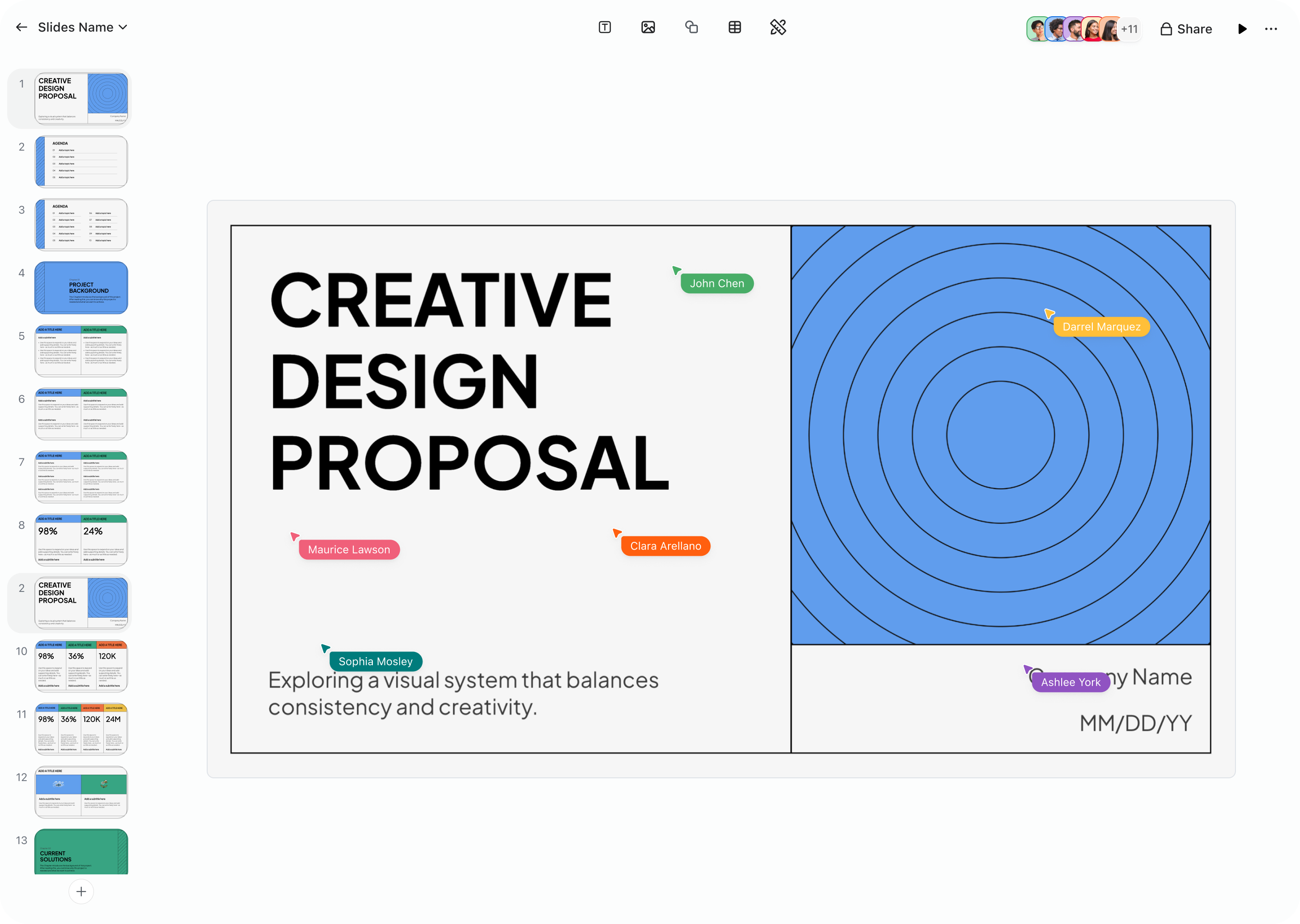
Building decks shouldn't take longer than delivering them. Zoom Slides quickly turns your meetings, docs, and ideas into polished presentations. Just describe what you need ("create a quarterly business review with revenue and next-quarter priorities") and ZoomMate generates a complete, on-brand deck in minutes.
Slides connects directly to your meetings, so you can turn transcripts into structured presentations with speaker notes and visuals. ZoomMate refines your content, adjusts the tone, and helps every slide look consistent with your brand.
From sales proposals to campaign recaps, Slides helps teams move from discussion to delivery instantly. Real-time co-editing, version history, and seamless export make collaboration effortless — and when it's time to present, you can do it right inside Zoom.
Zoom Paper
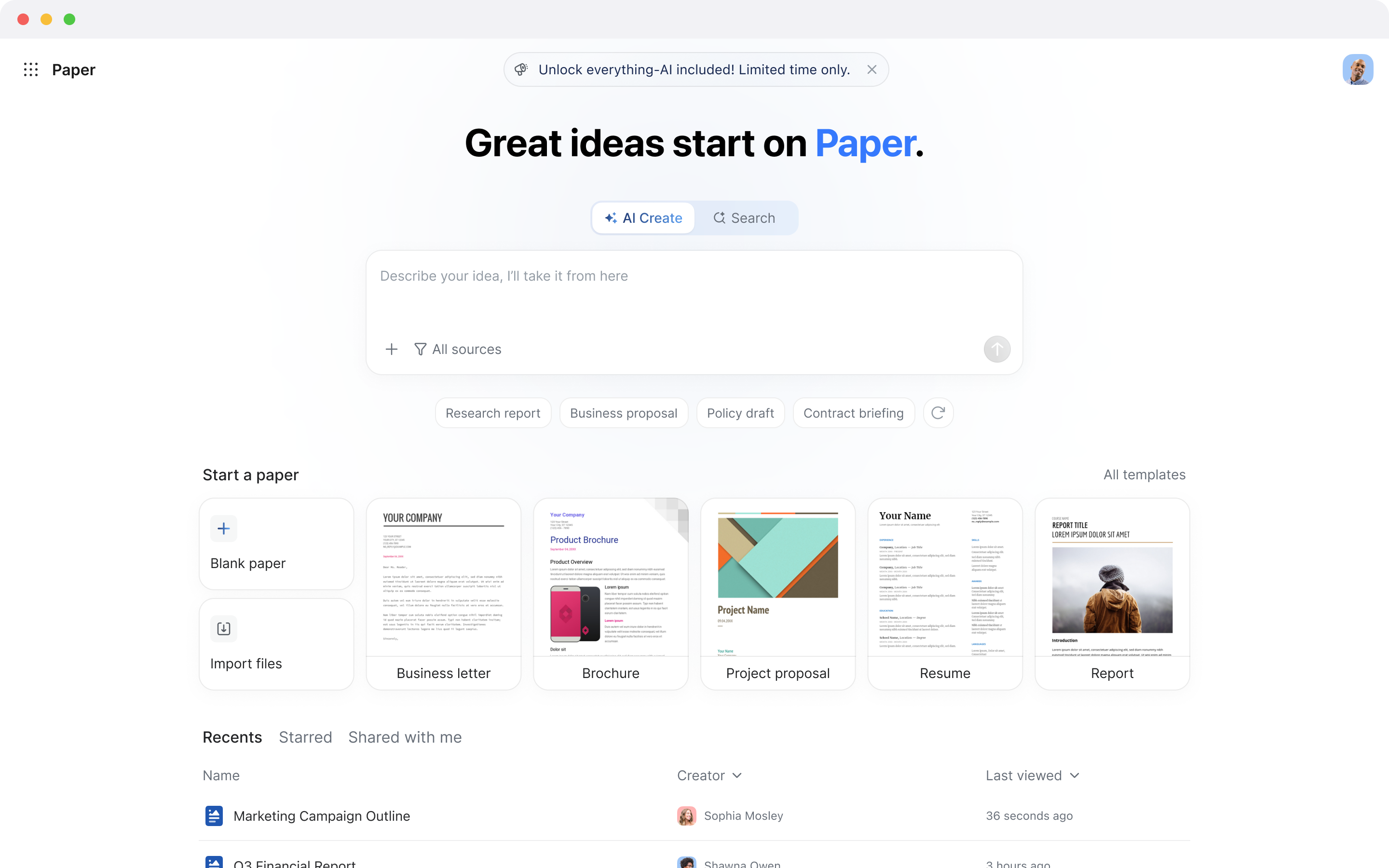
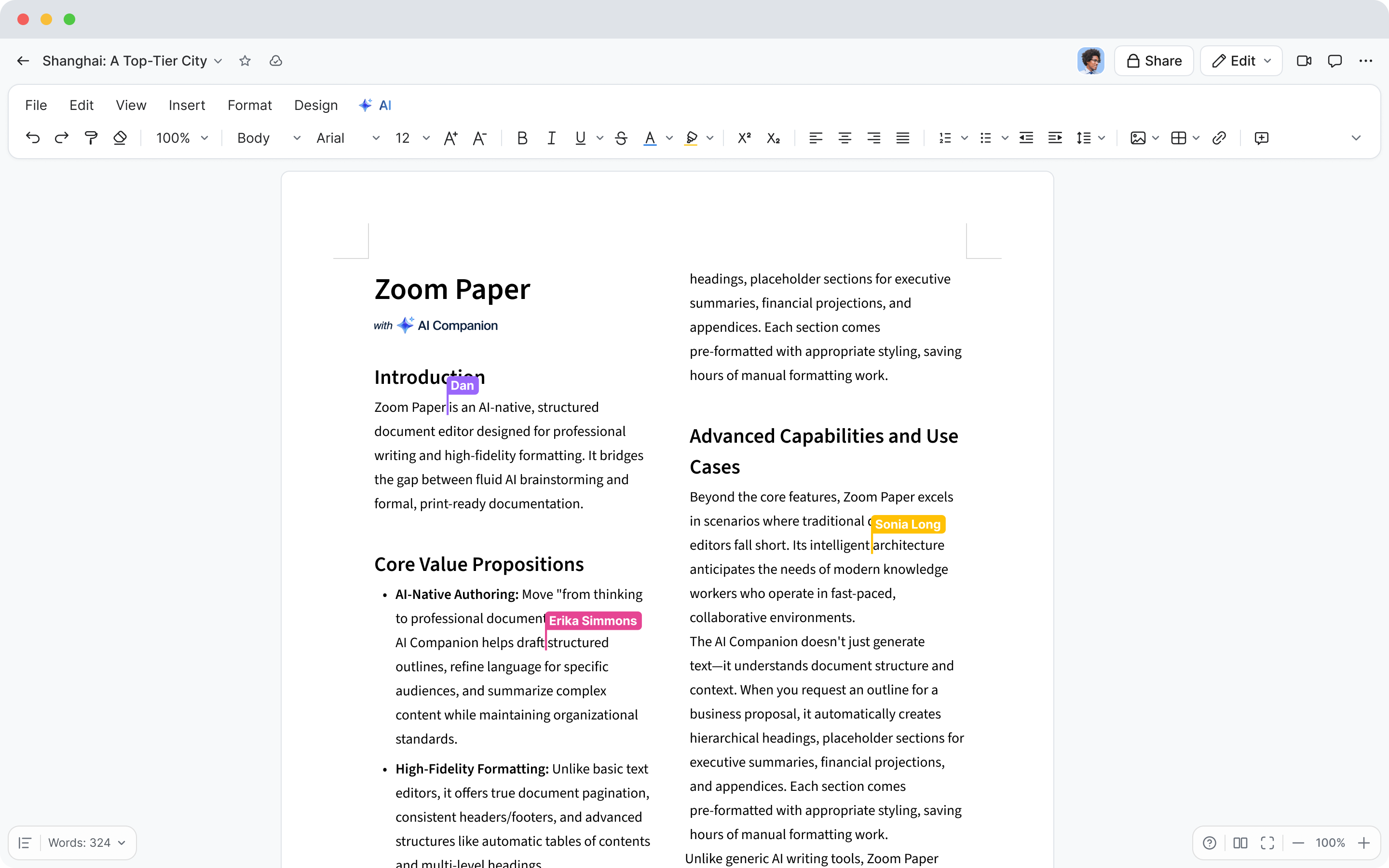
Sometimes you just need to capture ideas fast. Zoom Paper is your lightweight, AI-first document editor for quick notes, summaries, and drafts. It's perfect for turning meeting takeaways into polished documents without the formatting grind.
Start from a blank page, a meeting, or an imported file — Paper handles the structure, formatting, and tone. ZoomMate can rewrite sections, summarize long content, or match your writing to company templates automatically. It's the fastest way to go from thought to finished doc.
Paper is ideal for proposals, reports, and client deliverables — especially when speed matters. And because it's built into Zoom Workplace, your notes, meetings, and documents all live in one connected space.







 5 min read