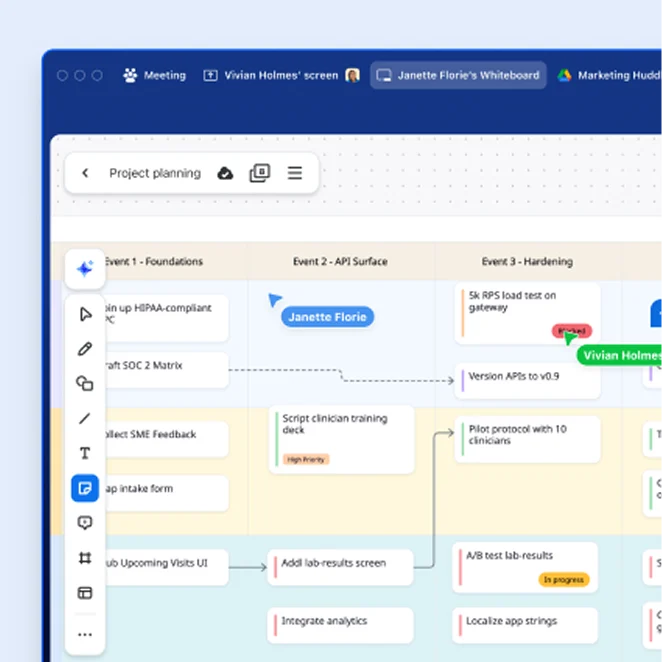
Quickly create ready-to-share professional-looking flowcharts for work or school using Zoom Whiteboard, included with all Zoom Workplace plans.
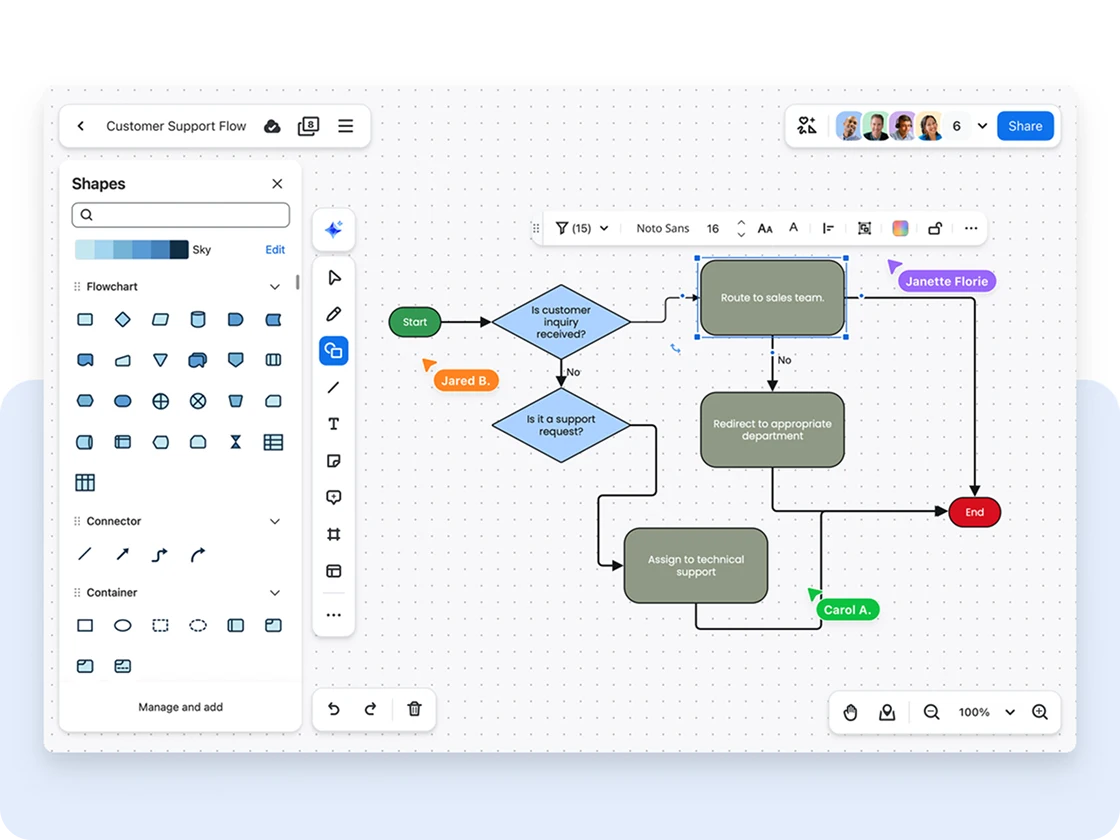

Quickly create ready-to-share professional-looking flowcharts for work or school using Zoom Whiteboard, included with all Zoom Workplace plans.
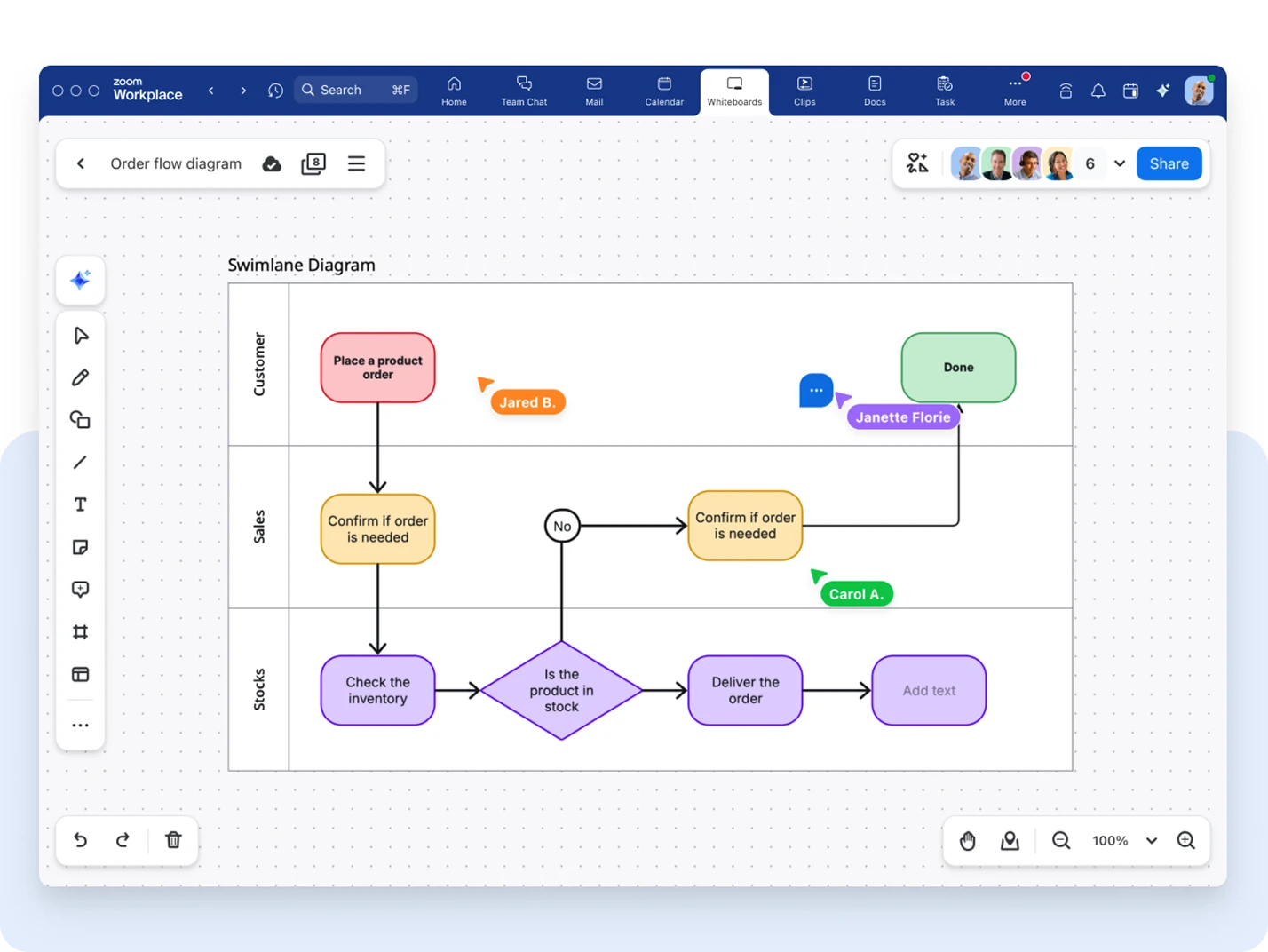
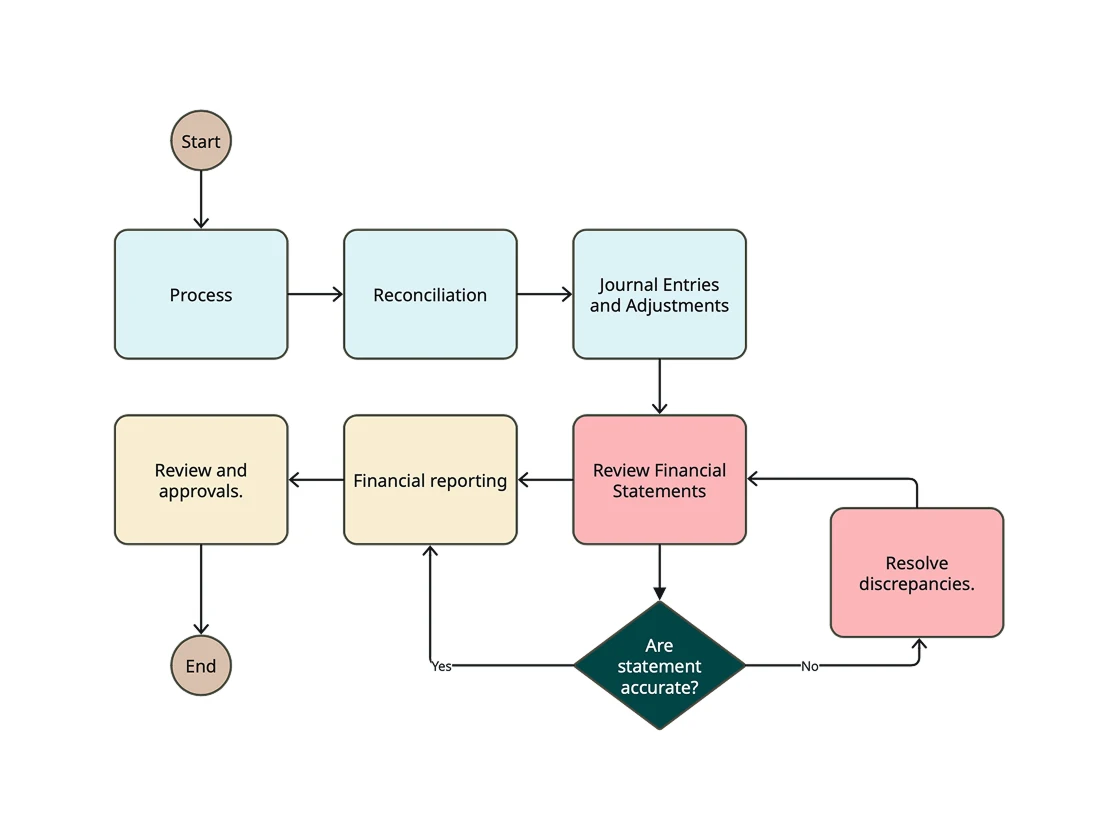
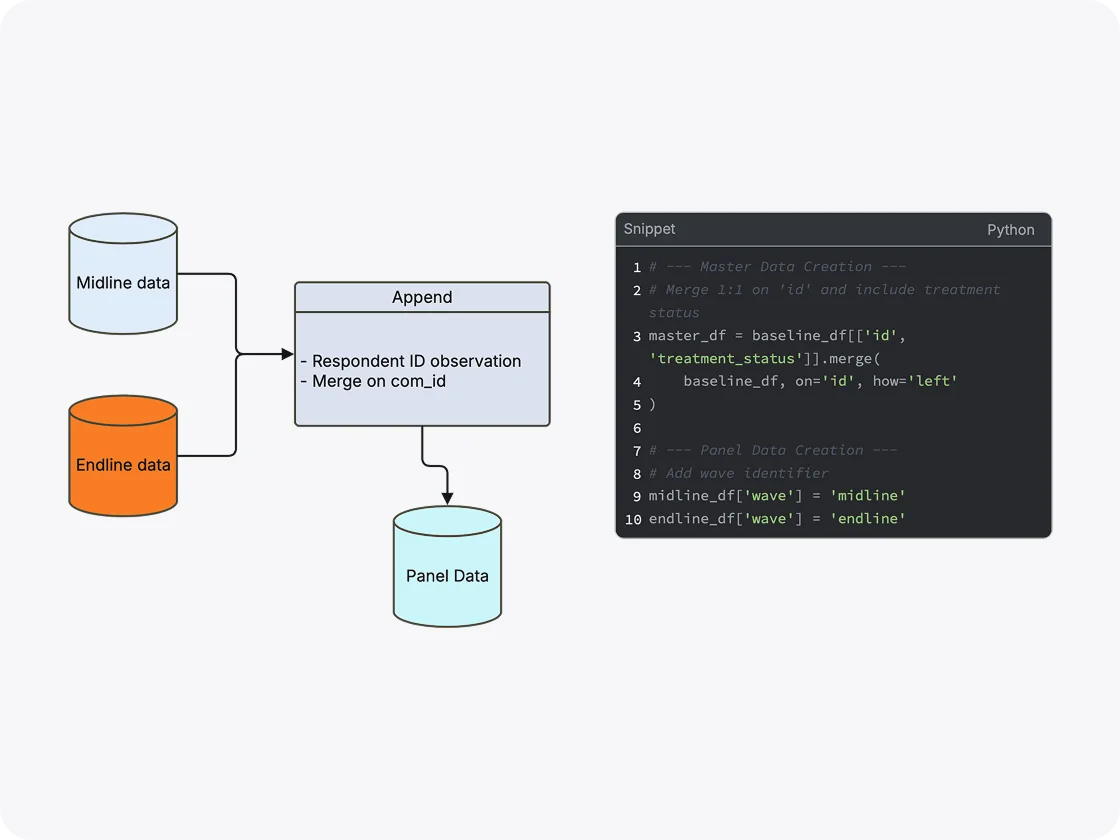
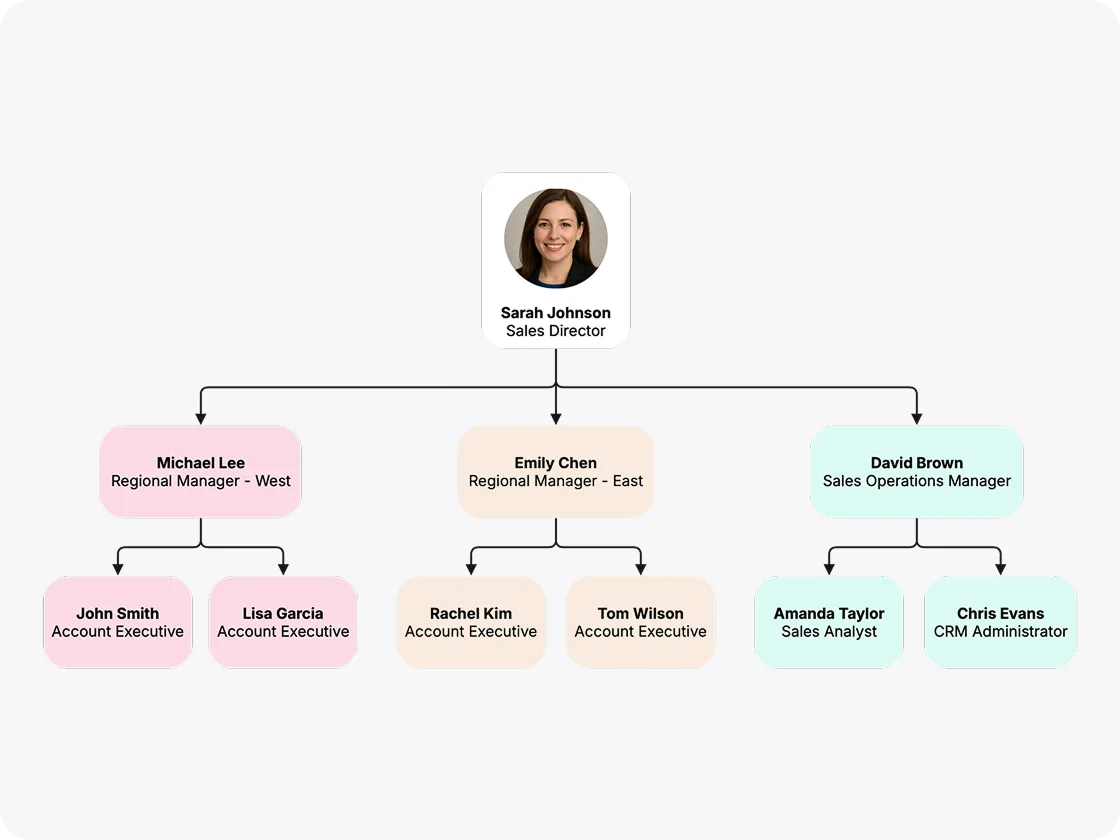
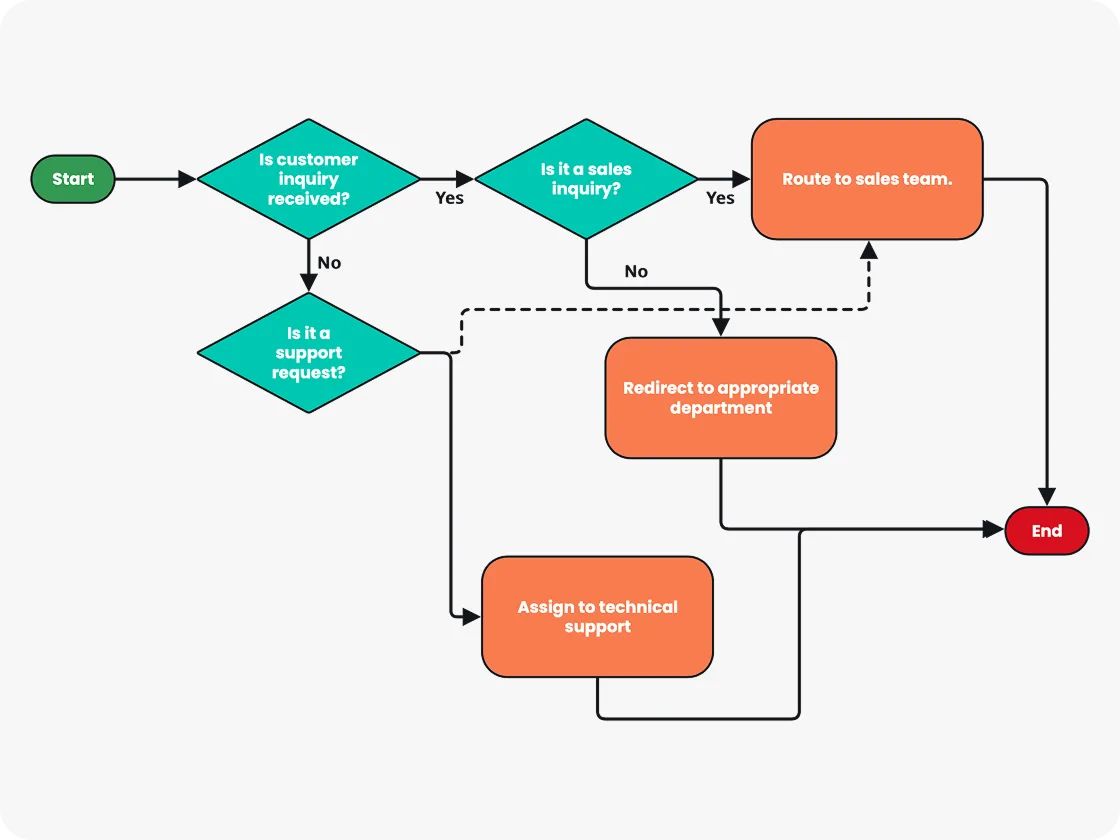
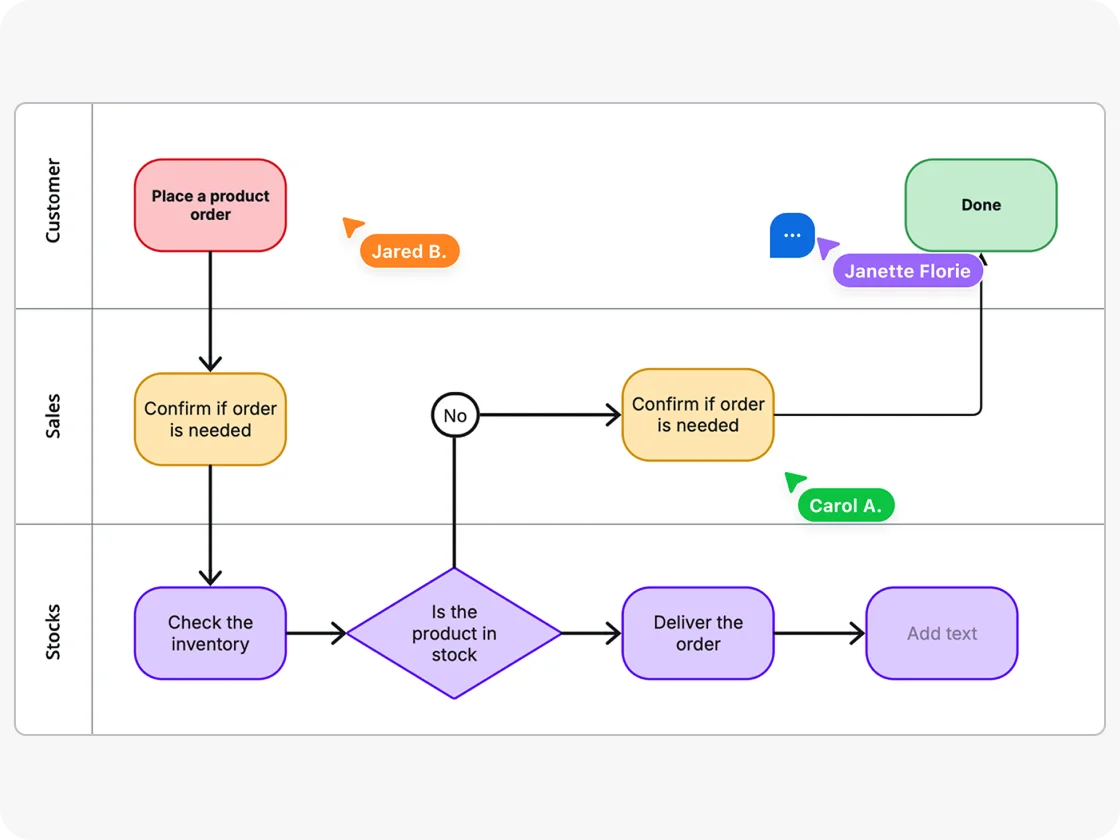
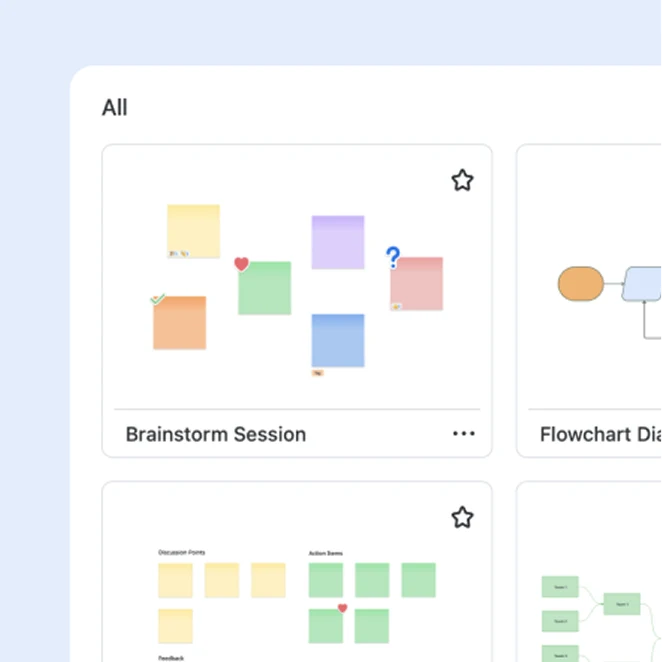
Access to pre-designed flowchart templates allows you to quickly start a diagram. A flowchart template provides ready-made elements that can be easily customized, saving time and ensuring consistency and clarity across different flowcharts.
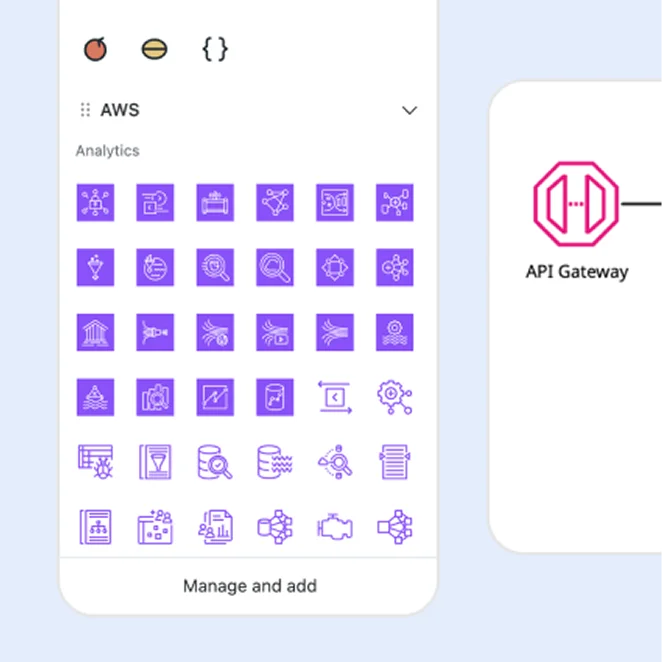
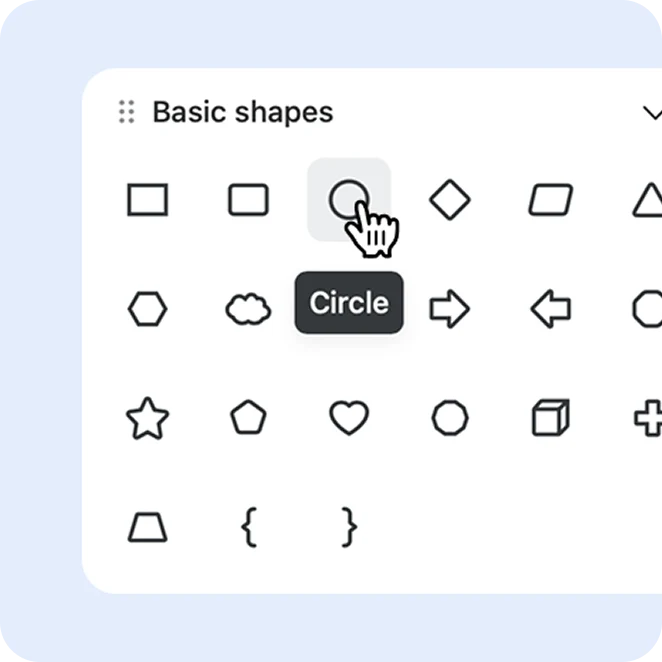
A wide selection of flowchart shapes and graphics, as well as tools for adjusting line thickness, shape sizes, and colors, allow you to create professional-looking, easy-to-understand flowcharts.
Easy-to-use drag-and-drop functionality makes it quick and simple to add, move, or modify flowchart symbols and elements without needing extensive technical knowledge.
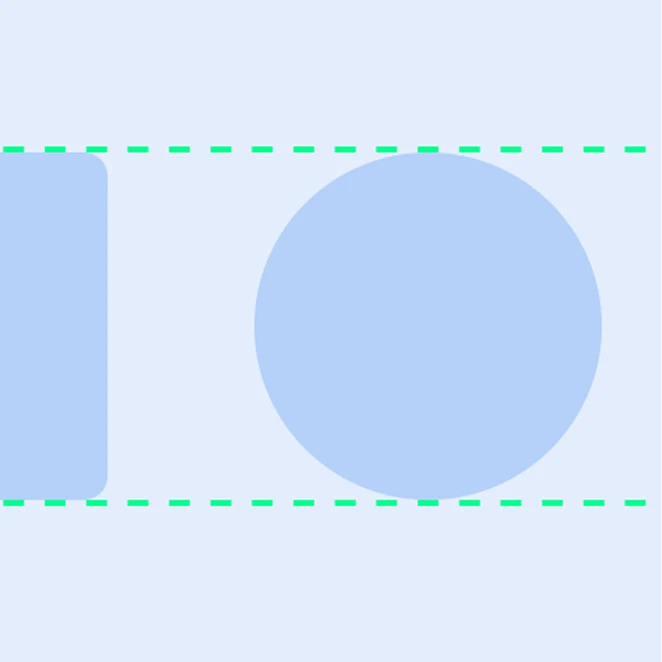
Keep your flowcharts organized and easy to understand with smart automation tools that help align and straighten design elements like lines and shapes.
An “infinite canvas” ensures you never have to design a flowchart to fit in a rigid space or fixed document size. Plus, the ability to easily scroll, pan, or zoom into the canvas allows for more detailed views.
The ability to easily embed flowcharts into presentations, export them as images, and share them in webinars, video conferences, emails, chats, or in-person meetings boosts collaboration and idea-sharing.
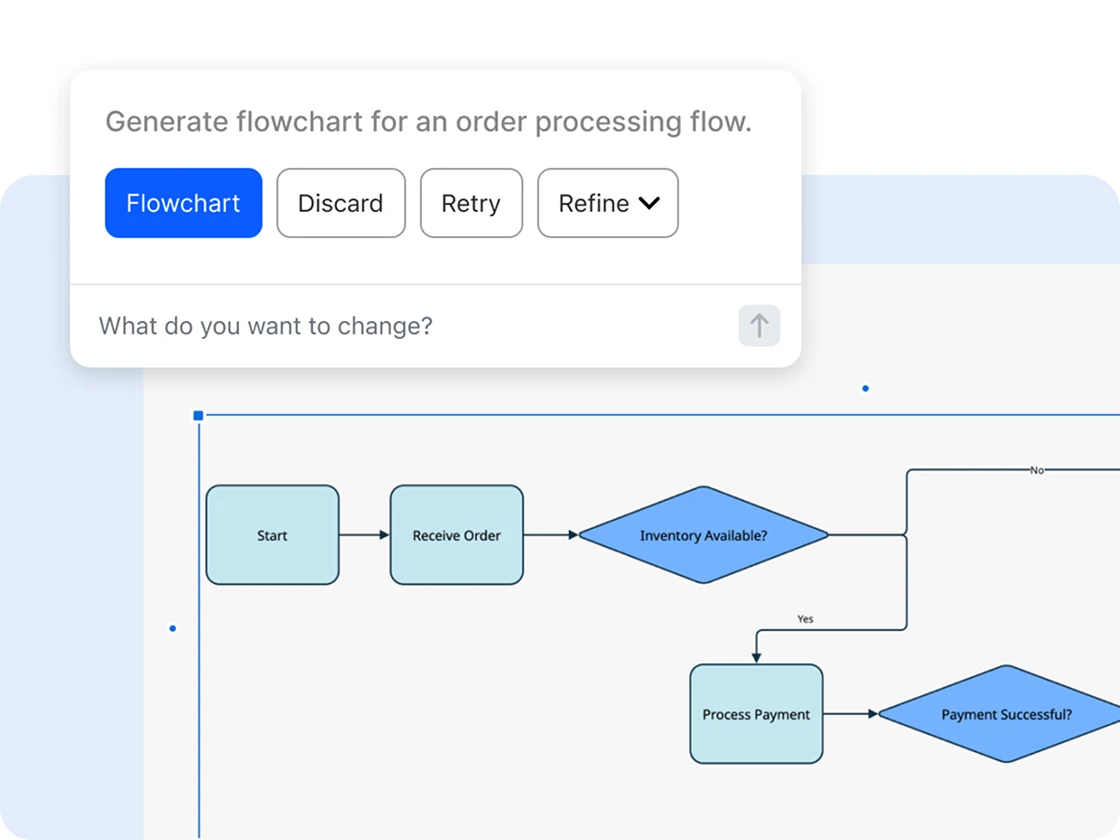

Create visually stunning flowcharts with essential tools and access advanced diagramming features like creating reusable objects and uploading your own stencils. Start from scratch or choose a pre-designed flowchart template.

The ability to easily share flowcharts in real-time on Zoom Whiteboard and across Zoom Workplace in chat messages, meetings, and docs enhances dynamic collaboration and makes them central to team meetings and training.

Zoom Whiteboard’s collaborative features allow multiple team members to work simultaneously on a flowchart, whether you’re meeting virtually or in a traditional meeting room.

Create a flowchart in Zoom Whiteboard during a meeting — it’ll save automatically, then you can open and edit it on your Zoom Workplace desktop or mobile app, web portal, or Zoom Rooms for Touch device.
*Zoom Workplace Basic (free) includes up to three concurrently editable boards; AI Companion features are not included.
Flowcharts (or flow charts) are powerful visual tools that transform complex information into easily digestible diagrams, enabling clearer communication and better teamwork. In today’s rapidly evolving work environments, becoming a better flowchart maker can significantly enhance your productivity and communication skills.
By diving into the essentials of flowchart creation and usage, we’ll uncover how these diagrams not only aid in organizing ideas but also in identifying inefficiencies to bolster overall organizational effectiveness. Whether you’re a novice or a seasoned professional, understanding the nuances of flowchart creation will empower you to use them effectively in your daily work, fostering a more collaborative and informed environment. Let’s dive in.
Flowcharts are visual diagrams that provide a straightforward method for professionals to visualize and organize complex processes. They make it easier to communicate information that can be difficult to describe or visualize with other types of diagrams such as tables and graphs.
For someone looking to make and use flowcharts professionally, these diagrams can significantly improve project management by mapping out timelines, designating responsibilities, and outlining workflows. This not only enhances team alignment but also enables the identification and resolution of bottlenecks before they impede progress.
In environments with complex decision-making processes, such as engineering, manufacturing, or business management, flowcharts help delineate clear pathways and outcomes, facilitating quicker and more informed decisions. As a professional, mastering the creation and use of flowcharts can transform your ability to streamline operations, enhance communication, and ultimately drive better organizational results.
Before you start making flowcharts, you’ll want to familiarize yourself with common flowchart types and understand which industries and fields they might be used. Armed with this information, you can consider your own use case and purpose for using flowcharts, and what type of information or process you need to visualize.
Process flowcharts or process maps: Provide a detailed visual depiction of a process or workflow, with arrows guiding the sequence of tasks. Process flowcharts are used in industries such as manufacturing and logistics to streamline operations, identify inefficiencies, and ensure quality control through precise mapping of each stage in the production cycle.
Data flow diagrams (DFD) or data flowcharts: Visually represent how data moves through a system, serving as an important tool for developers and system analysts in designing efficient programs and databases in fields like software development and information technology.
Workflow diagrams or flow diagrams: Used across sectors like healthcare and business management, these flowcharts detail tasks, responsibilities, and processes to help outline a specific workflow and improve team coordination.
System flowcharts: Commonly used by IT professionals or in computer programming, these flowcharts map out the detailed logic of systems when a thorough representation of system functionalities, code journeys, and data pathways is needed.
Swimlane diagrams or swimlane flowcharts: Also called cross-functional flowcharts, these are particularly useful for complex projects that require clarity around departmental responsibilities. They’re commonly used in sectors such as finance and healthcare, where interdepartmental coordination is key.
Program flowcharts: Show logical sequences and are often employed in software engineering for illustrating algorithms and coding processes.
Decision flowcharts: Clearly represent decision points and possible outcomes, assisting business strategists in envisioning potential impacts before implementing key decisions.
When creating flowcharts, you’ll use specific symbols to represent different tasks, actions, decisions, or outcomes in a process. Each symbol has a designated role that allows you to visually show how steps are connected, where decisions are made, and how data or tasks flow from one point to another. By using standardized symbols, anyone viewing your flowchart can easily interpret it, no matter how simple or complex the process is.
Below is a list of the most common flowchart symbols you’ll use in your process mapping.
It may be helpful to share it with a team member for feedback to help you refine the layout and improve readability.
When your flowchart is ready to share, simply click the “Share” button at the top right corner of the whiteboard. From here, you can grant access to anyone in your organization or share it externally with a shareable link (if enabled). Once you set the permissions, click “Copy Link” and paste the URL in the chat message, Zoom Chat channel, or email.