



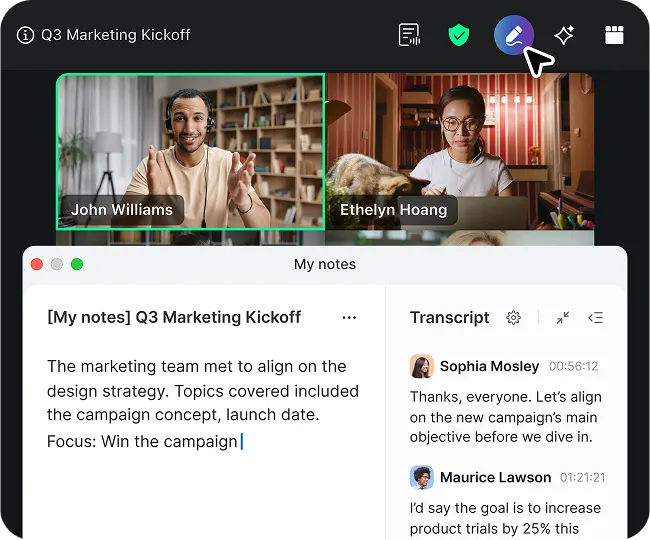

Meet Zoom AI Companion, your new AI assistant!
Boost productivity and team collaboration with Zoom AI Companion, available at no additional cost with eligible paid Zoom plans.
 15 min read
Published on January 05, 2026




Google Docs is a popular document creation solution, known for real-time collaboration, advanced formatting options, and intuitive document sharing capabilities.
Despite its popularity, Google Docs may not be the best option for everyone. Some teams feel held back by its lack of advanced collaboration features, project management tools, and applications for certain specialized workflows.
In this guide, we’ll cover 11 of the best Google Docs alternatives on the market, breaking down their use cases and features so that you can find the best solution for your business needs.
Google Docs is popular for its ease of use and accessibility; however, user reviews and other third-party feedback point toward performance problems and capability limitations that make it worthwhile to consider an alternative. These include:
If Google Docs isn’t meeting your business needs, refer to the guide below to find a solution that will.
| Service | Best for | Pricing¹ | Notable features** |
| Zoom Docs | All-in-one, AI-first collaboration |
|
|
| Microsoft Word | Microsoft 365 users |
|
|
| Zoho Writer | Built-in WordPress integration |
|
|
| Dropbox Paper | Ease of use |
|
|
| Slite | Knowledge management |
|
|
| ClickUp Docs | Project management |
|
|
| Coda | Merging documents with structured data |
|
|
| OnlyOffice | A self-hosted unified workspace |
|
|
| Quip | Salesforce ecosystem users |
|
|
| Confluence | Enterprise-level documentation needs |
|
|
| CryptPad | Data privacy and security |
|
|
| Notion Docs | Flexible documentation needs |
|
|

AI-first collaboration
Seamless integration with Zoom Workplace
All-in-one collaboration features
AI-assisted writing
High customizability and functionality
Meeting and chat summarization
Works best within the Zoom ecosystem
AI capabilities not included with the free Basic plan
AI capabilities like meeting/chat summarization, document generation, and editing
Real-time collaboration
Pre-built, customizable templates
Intuitive data tables
Strong formatting and editing capabilities
Enterprise-grade security features
Offline and mobile access
Included with Zoom Workplace paid plans
Standalone plan: $7.49/user/mo (billed annually)
Free with Zoom Workplace Basic plan (perfect for content creation)
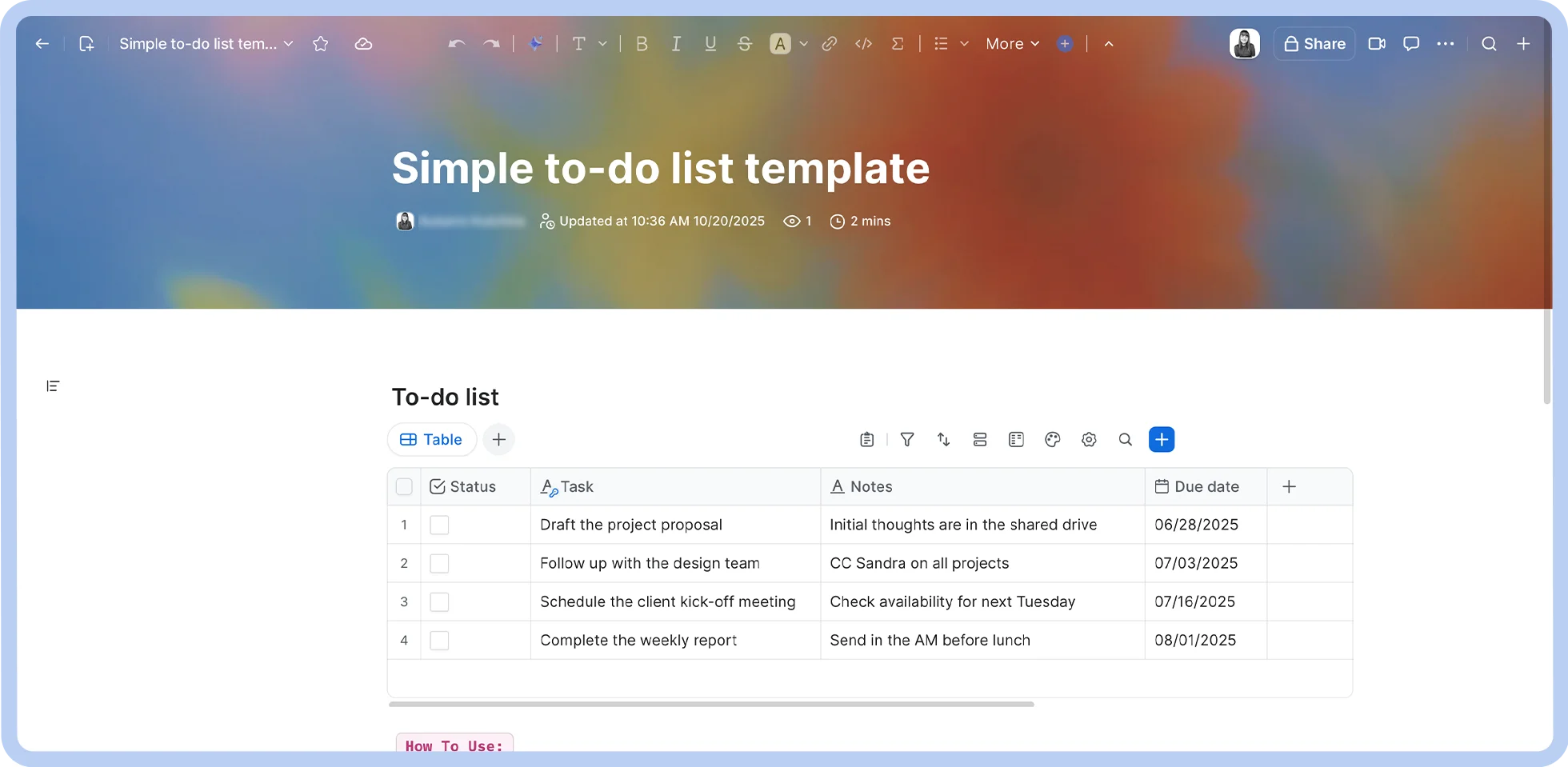
Zoom Docs is an AI-first collaborative documentation platform designed for modern teams. With Zoom Docs, teams can work together in real-time to create documents, wikis, and more.
This is because it’s tightly woven into Zoom Workplace, which lets teams jump between document creation, project management, and correspondence tools without missing a beat, saving time and enabling deep collaborative work.
Here are some key features that make Zoom stand out as one of the strongest Google Docs alternatives:
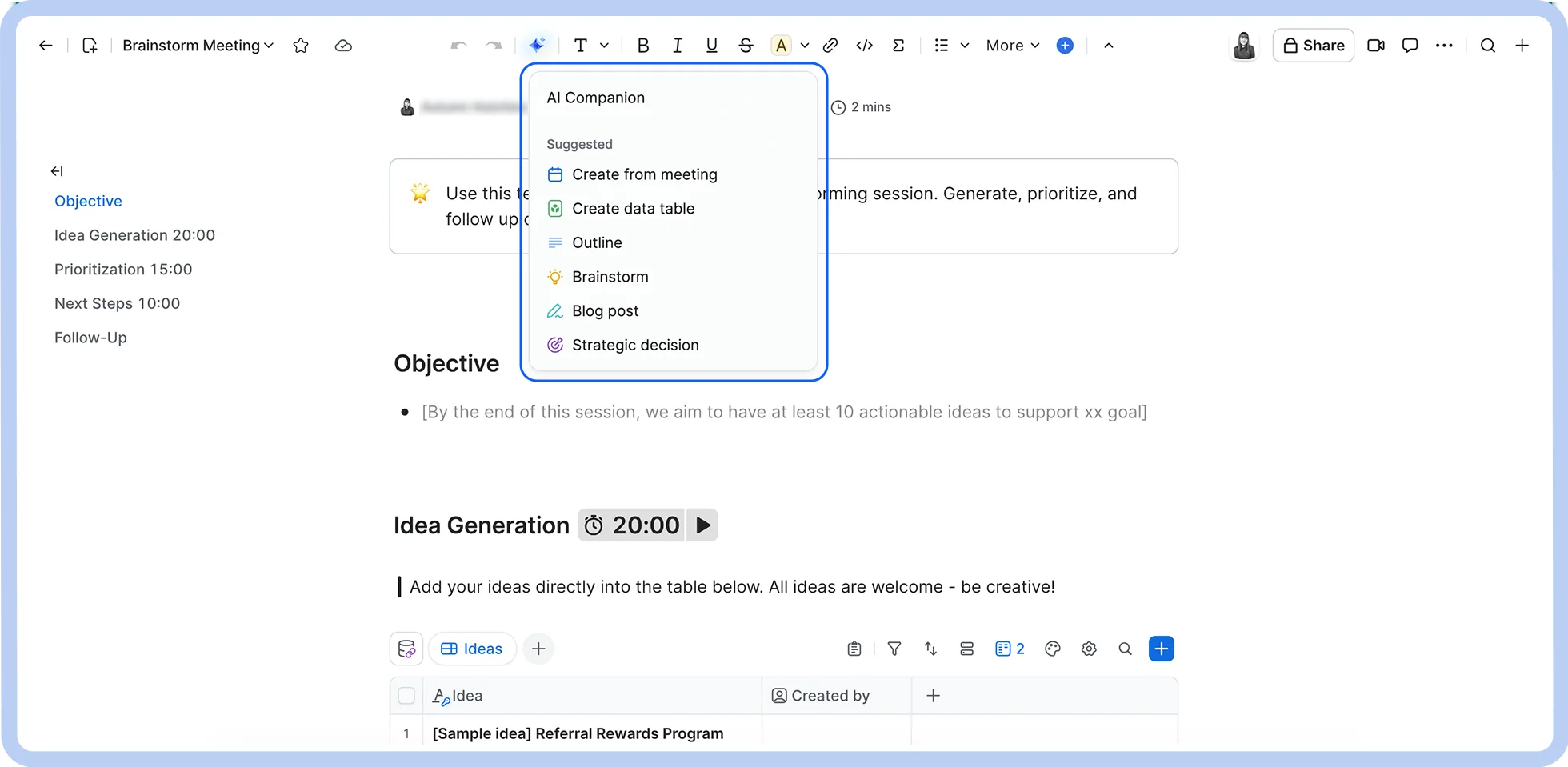
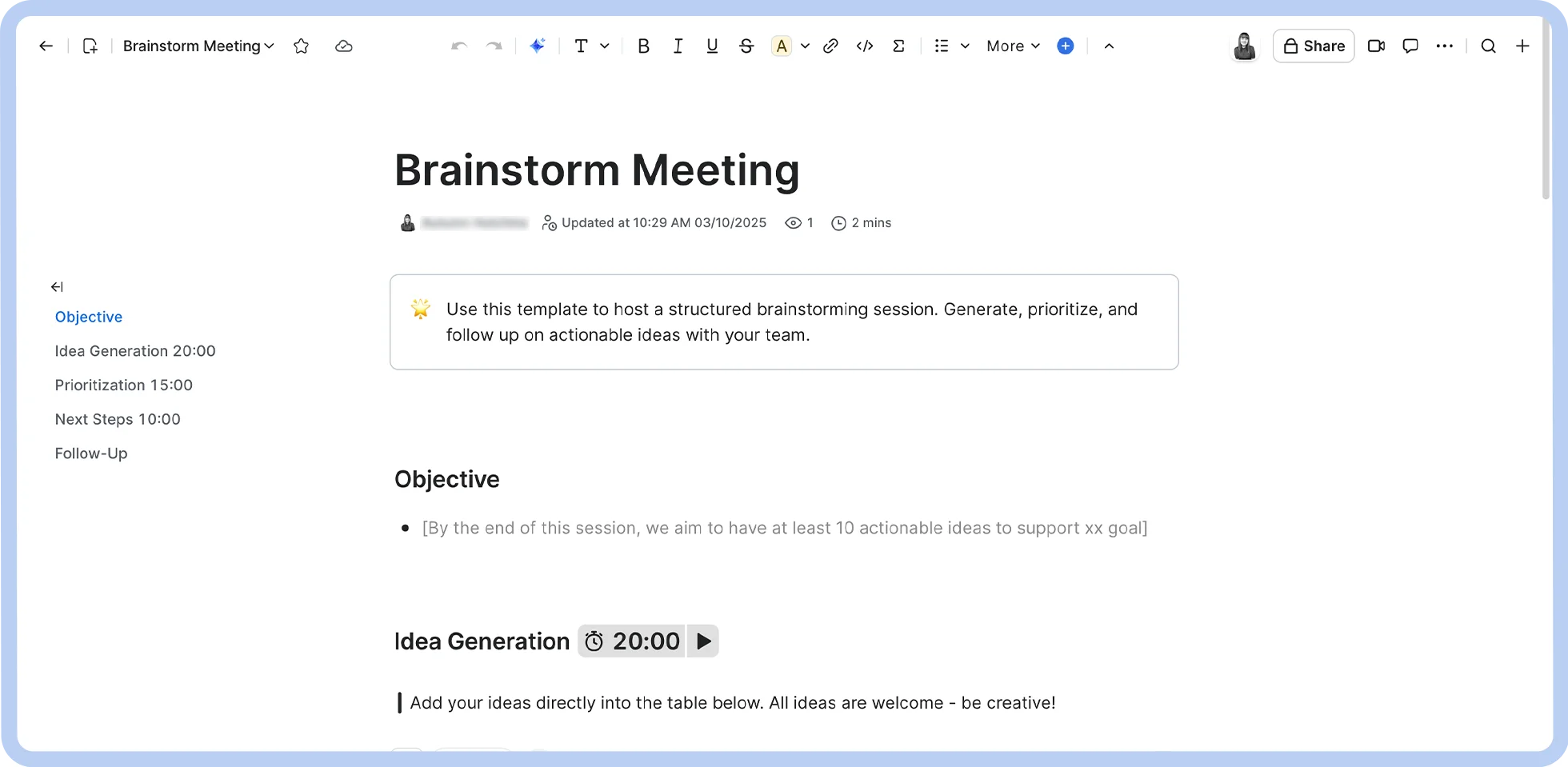
Whether you’re creating content, building reports, or organizing a knowledge base, Zoom Docs provides the tools you need that can improve team collaboration and save time. Since adopting Zoom Docs, our own Internal Audit Team has reported up to 80% time savings with the meeting summarization feature alone.
| Pro Tip: You can translate documents in up to 16 different languages using AI Companion without ever having to leave the Zoom Docs app. No more tedious copy-pasting to other apps or formatting breaks — just write in your language and let AI Companion do the heavy lifting. |
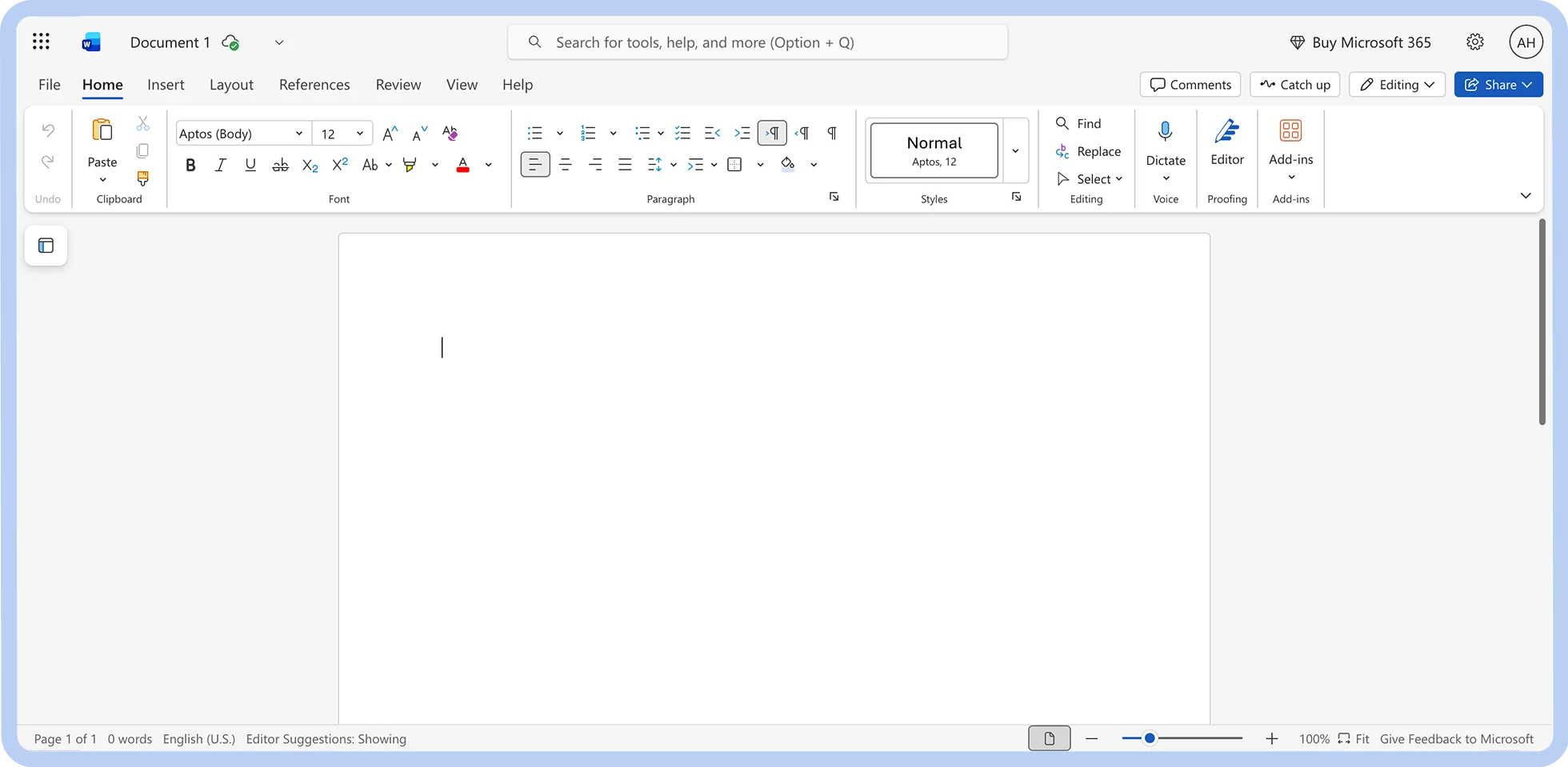
Microsoft 365 users
Integration with Microsoft 365 applications
Advanced formatting and stylization
Proofing tools
Limited outside the Microsoft ecosystem
Cost-intensive
Granular formatting
Customizable templates
Microsoft Copilot (with eligible subscription)
Included in Microsoft 365 plans
Standalone app: $179.99
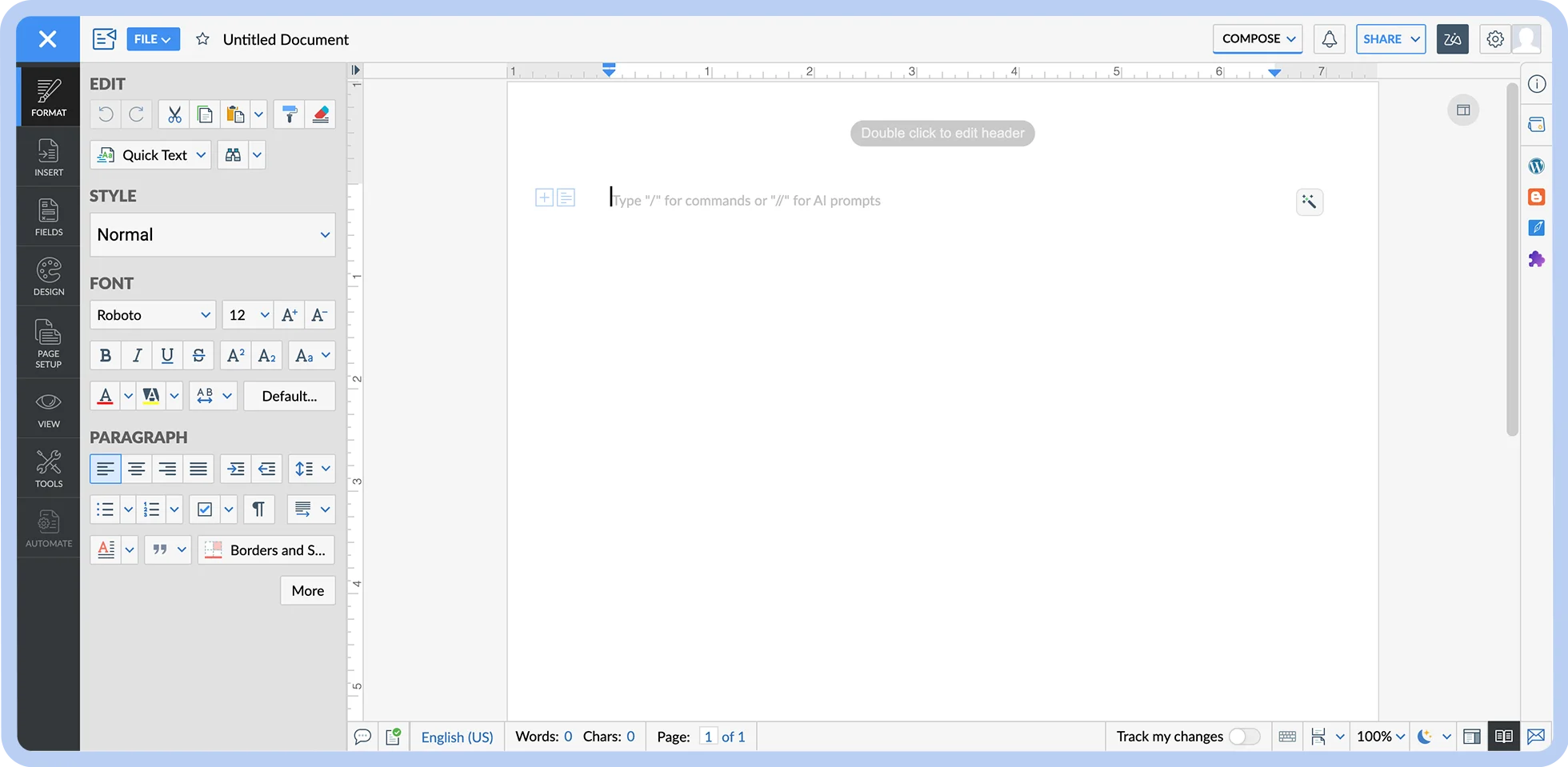

Built-in WordPress integration
Integration with Zoho ecosystem
Great collaboration tools
Direct publishing and sharing features
Occasional performance drops
Faulty proofing tools
Robust editing features
AI assistance
Offline access
Citation generation
Included in Zoho Workdrive subscriptions
Starter: $2.50/user/mo (billed annually)
Team: $4.50/user/mo (billed annually)
Business: $9/user/mo (billed annually)
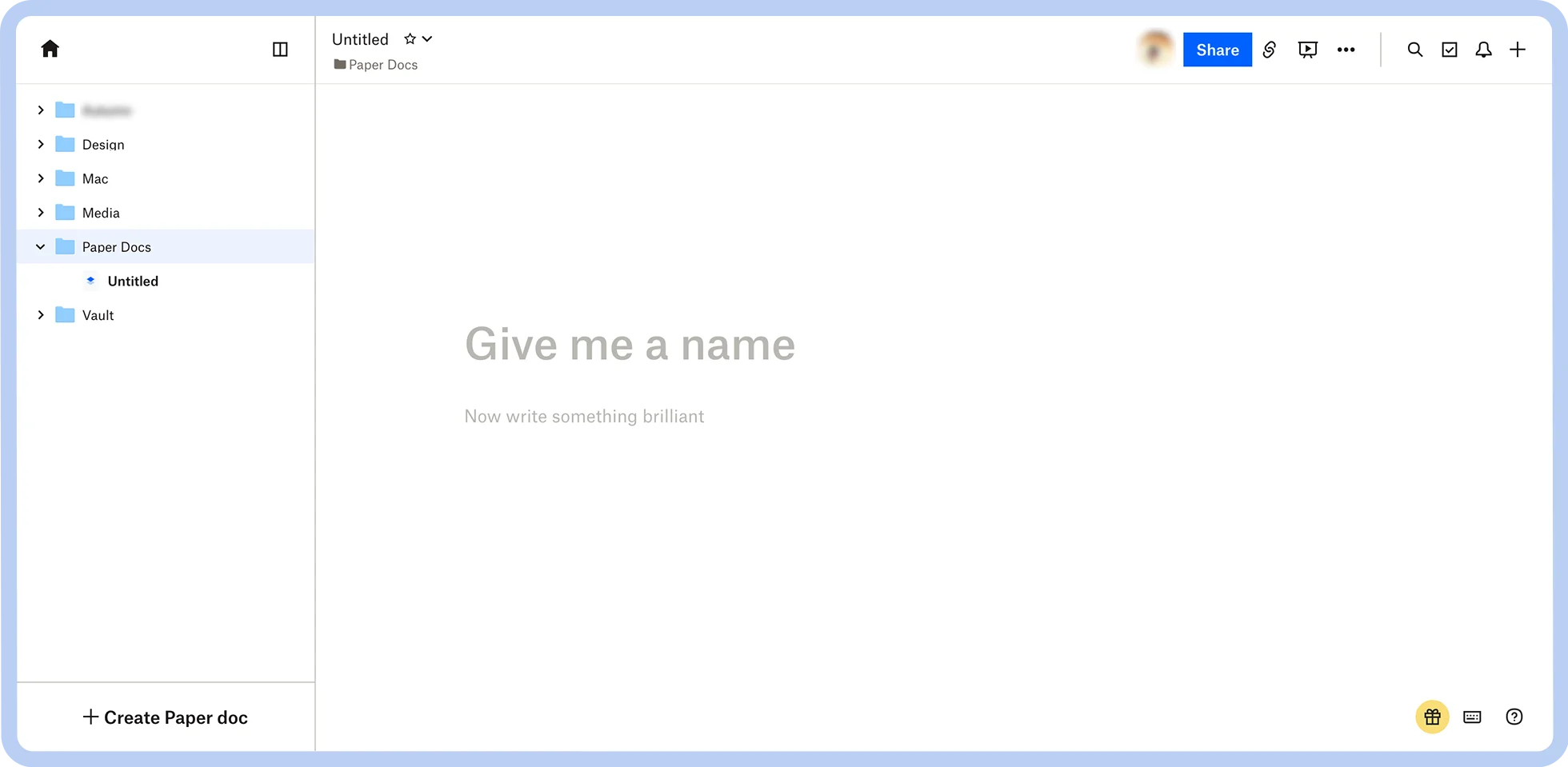

Ease of use
User friendly
Rich media embedding
Free
Limited offline access
Limited formatting options
Real-time collaboration
Media embedding functionality
Pre-built templates
Free with any Dropbox account
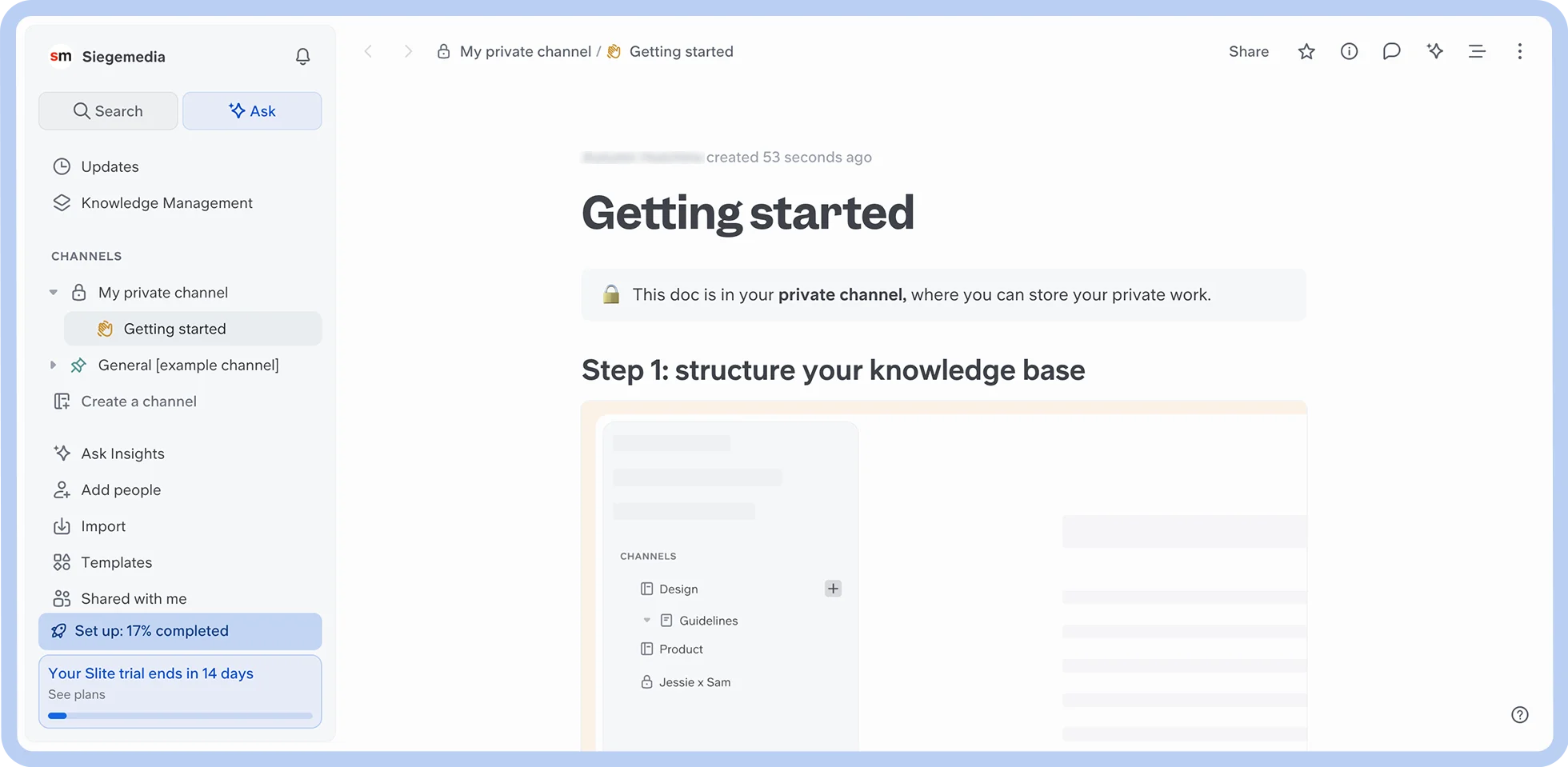

Knowledge management
Intuitive interface
Strong document organization
Powerful search tool
Limited formatting
Some feature gaps
AI search assistance
Real-time collaboration
Third-party integrations for knowledge base management
Standard: $8/user/mo (billed annually)
Knowledge Suite: $20/user/mo (billed annually)
Enterprise: Custom
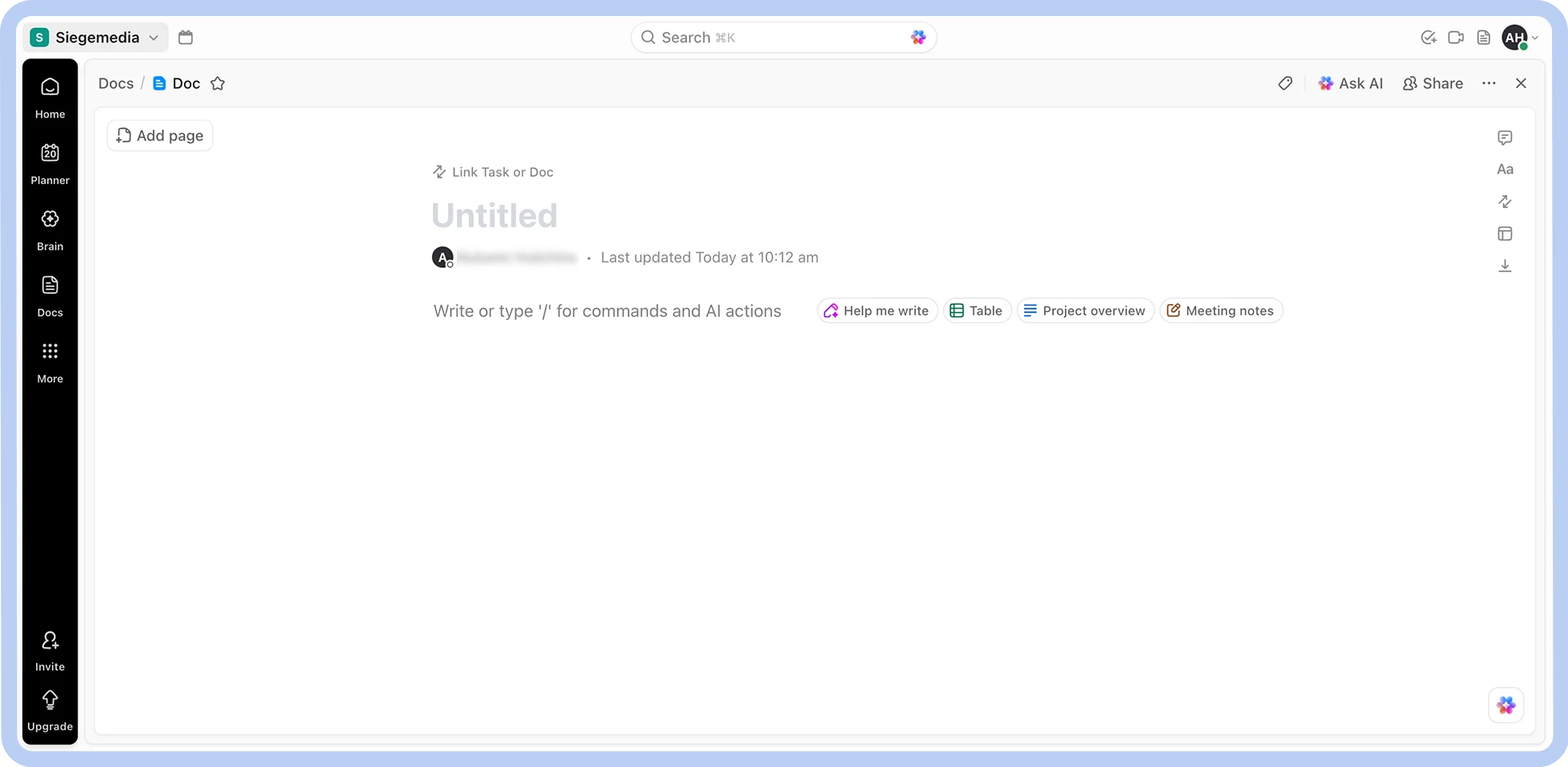

Project management
ClickUp integration
Strong formatting options
Secure sharing
Limited use outside of ClickUp
Occasional performance issues
Project management integration
Document organization and search features
Rich formatting capabilities
Pre-built templates
Free
Unlimited: $7/user/mo (billed annually)
Business: $12/user/mo (billed annually)
Enterprise: Custom
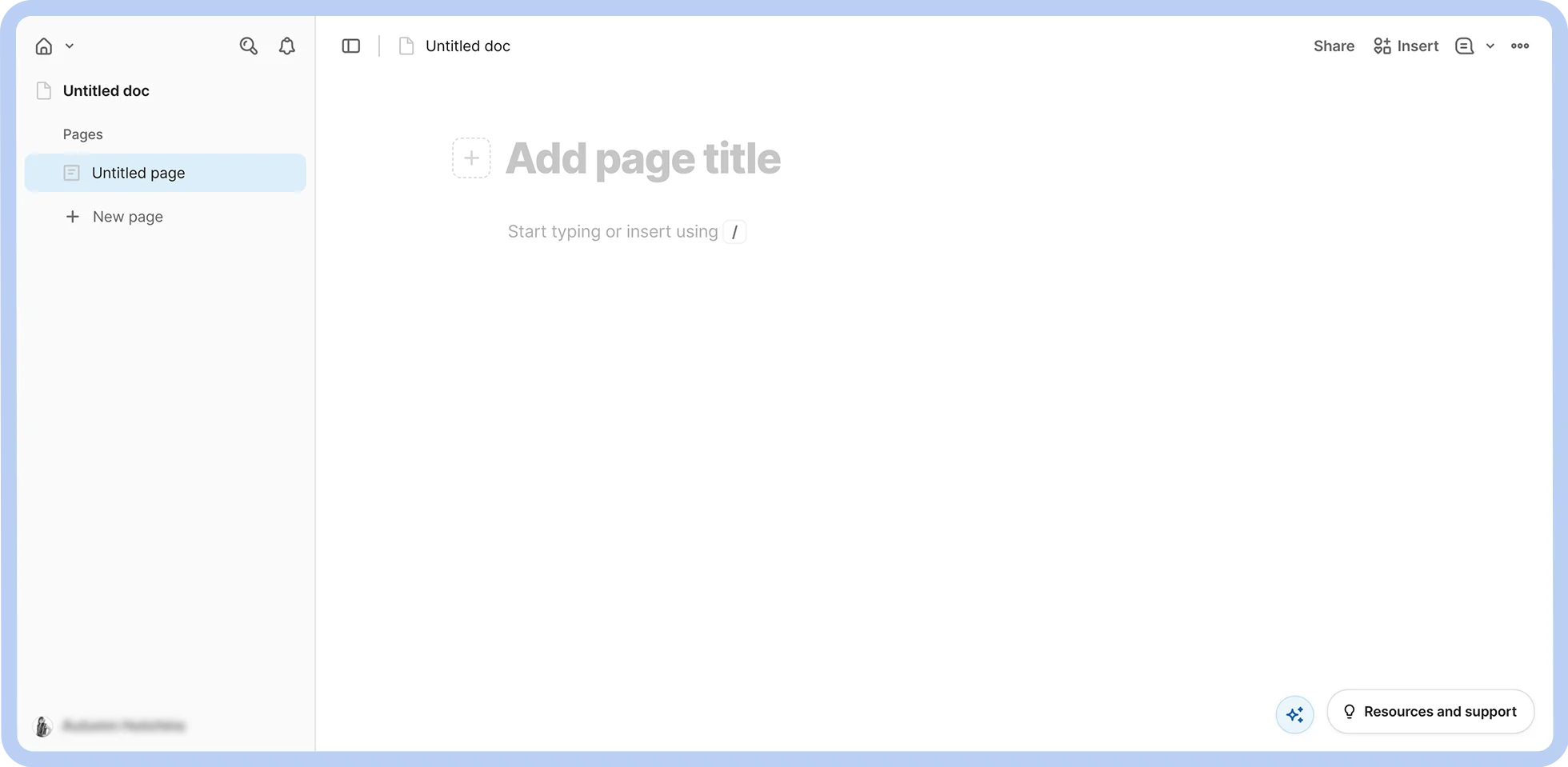

Merging documents with structured data
Strong customizability
Real-time collaboration
Data table integration
Steep learning curve
Performance instability
Interactive tables and databases
Third-party integrations for document creation
Highly customizable data visualization
Formula language and automation
Free
Pro: $10/mo per Doc Maker (Editors are free)
Team: $30/mo per Doc Maker (Editors are free)
Enterprise: Custom (Editors are free)
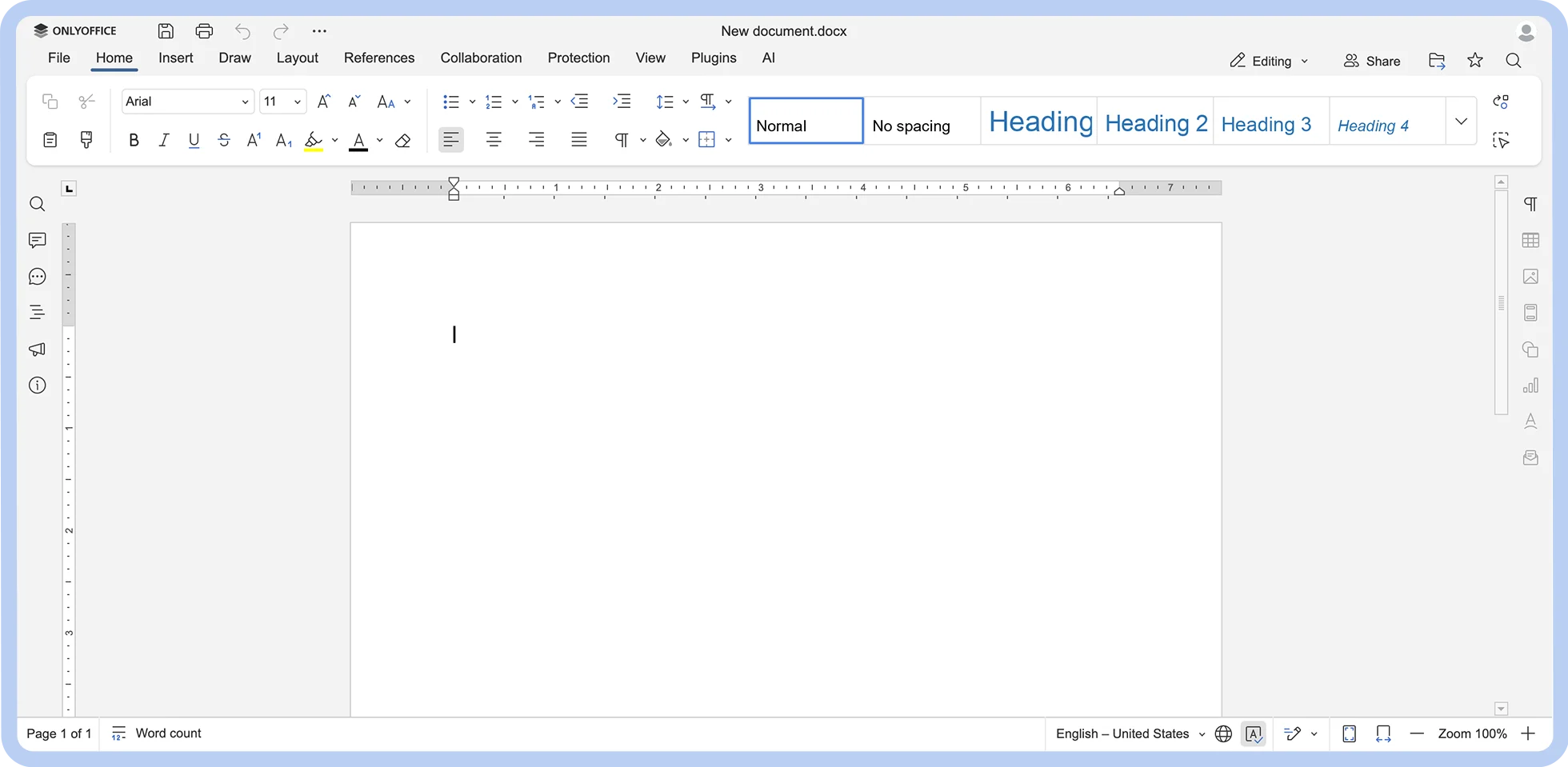

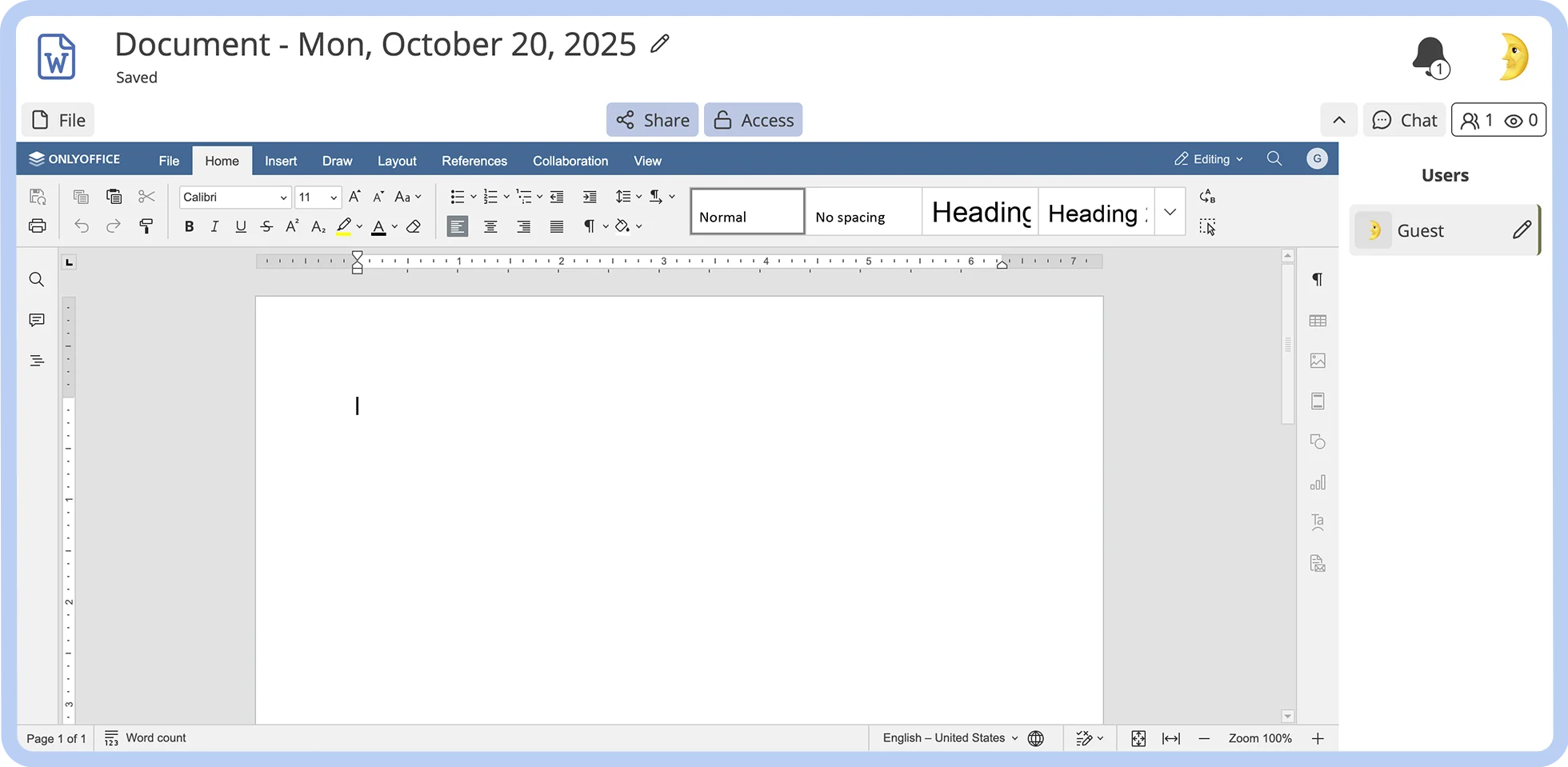
A self-hosted unified workspace
Open source
Intuitive interface
Great collaboration features
Steep learning curve
Occasional performance issues and delays
Multi-format support
Advanced formatting capabilities
Offline access
Strong security and access control features
Startup: Free (Limited-time offer)
Business: $20/admin/mo
Enterprise: Custom
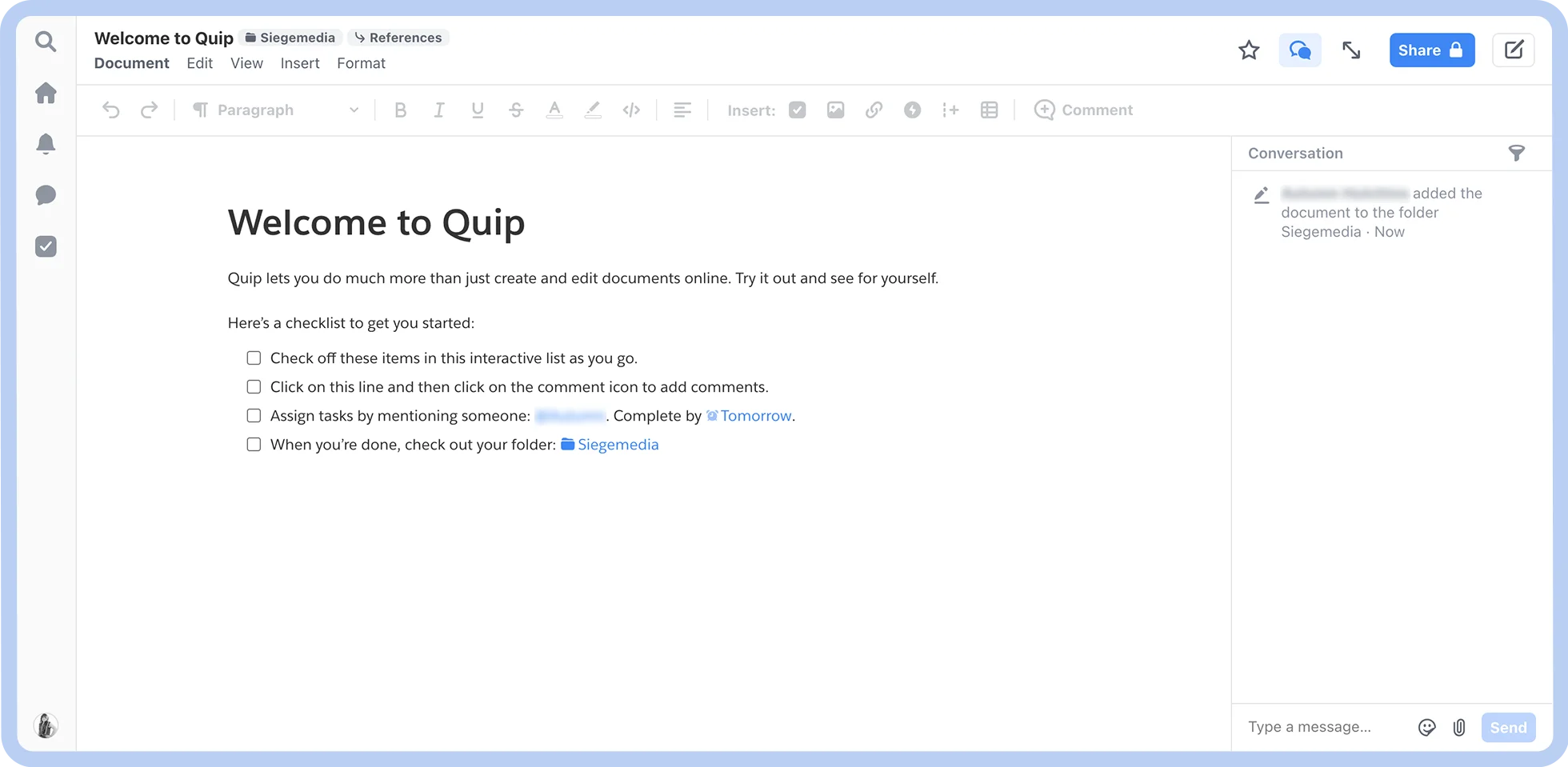

Salesforce ecosystem users
Direct integration with Salesforce
Offline access
Data format versatility
Limited customization
No free tier
Mobile accessibility
Real-time collaboration features with integrated chat
Spreadsheet functionality
Salesforce integration
Quip Starter: $10/user/mo (billed annually)
Quip Plus: $25/user/mo (billed annually)
Quip Advanced: $100/user/mo (billed annually)
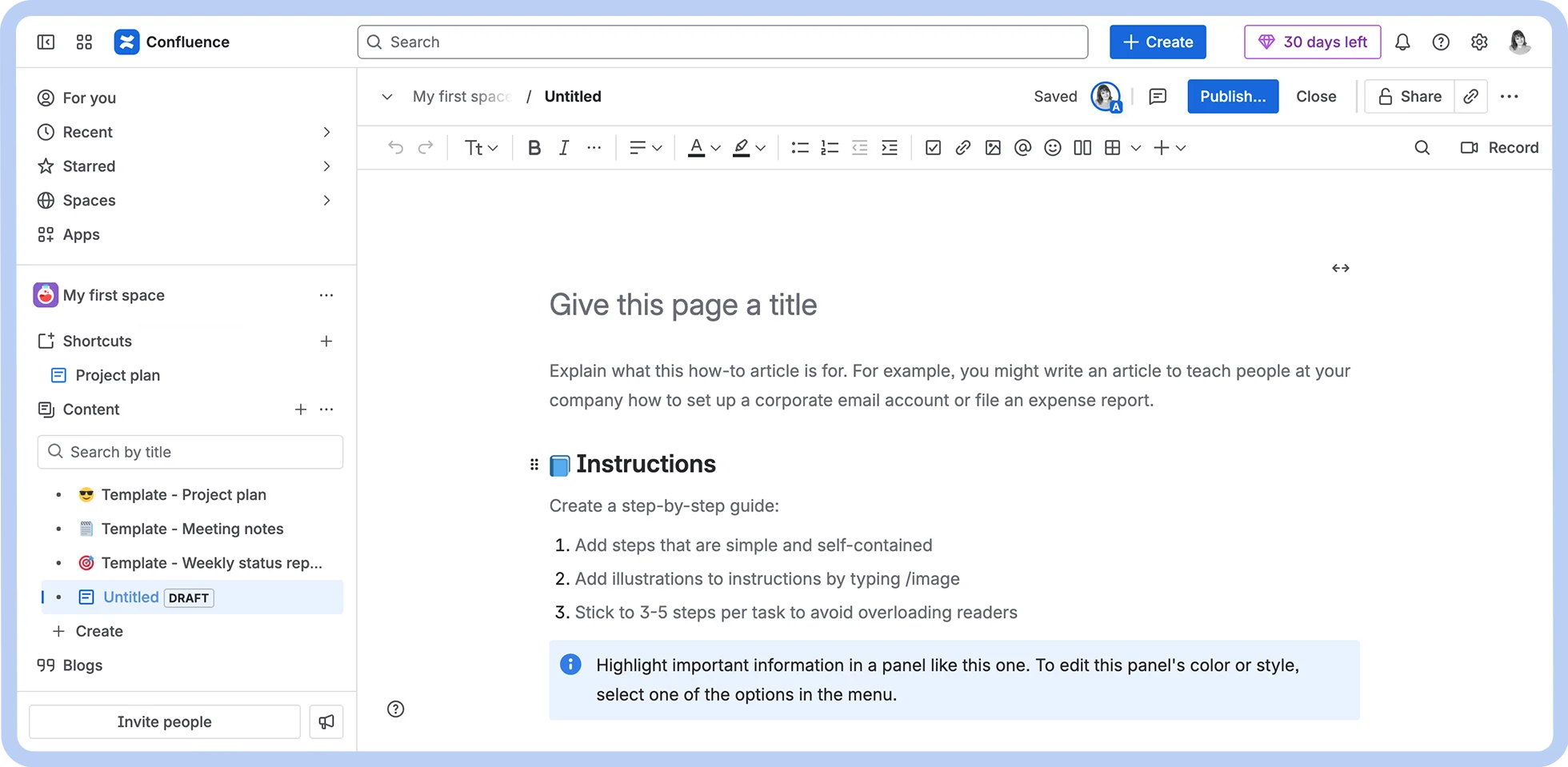

Enterprise-level documentation
Seamless integration with Atlassian ecosystem
In-depth formatting options
Knowledge base management features
Hidden costs
Moderate learning curve
Jira integration
Pre-built customizable templates
Enterprise-grade security
Various collaboration features
Free (for up to 10 users)
Standard: $5.16/user/mo (billed monthly)
Premium: $9.73/user/mo (billed monthly)
Enterprise: Custom
Data privacy and security
Open source
End-to-end encryption
No PII required to access features
Steep learning curve
Slow load times
Strong privacy and security features
Cloud storage
Open source
Real-time collaboration
Free
CryptPad.fr: €5 to €100 /month
Your Own Instance: from €1.5K /year
Enterprise: Variable
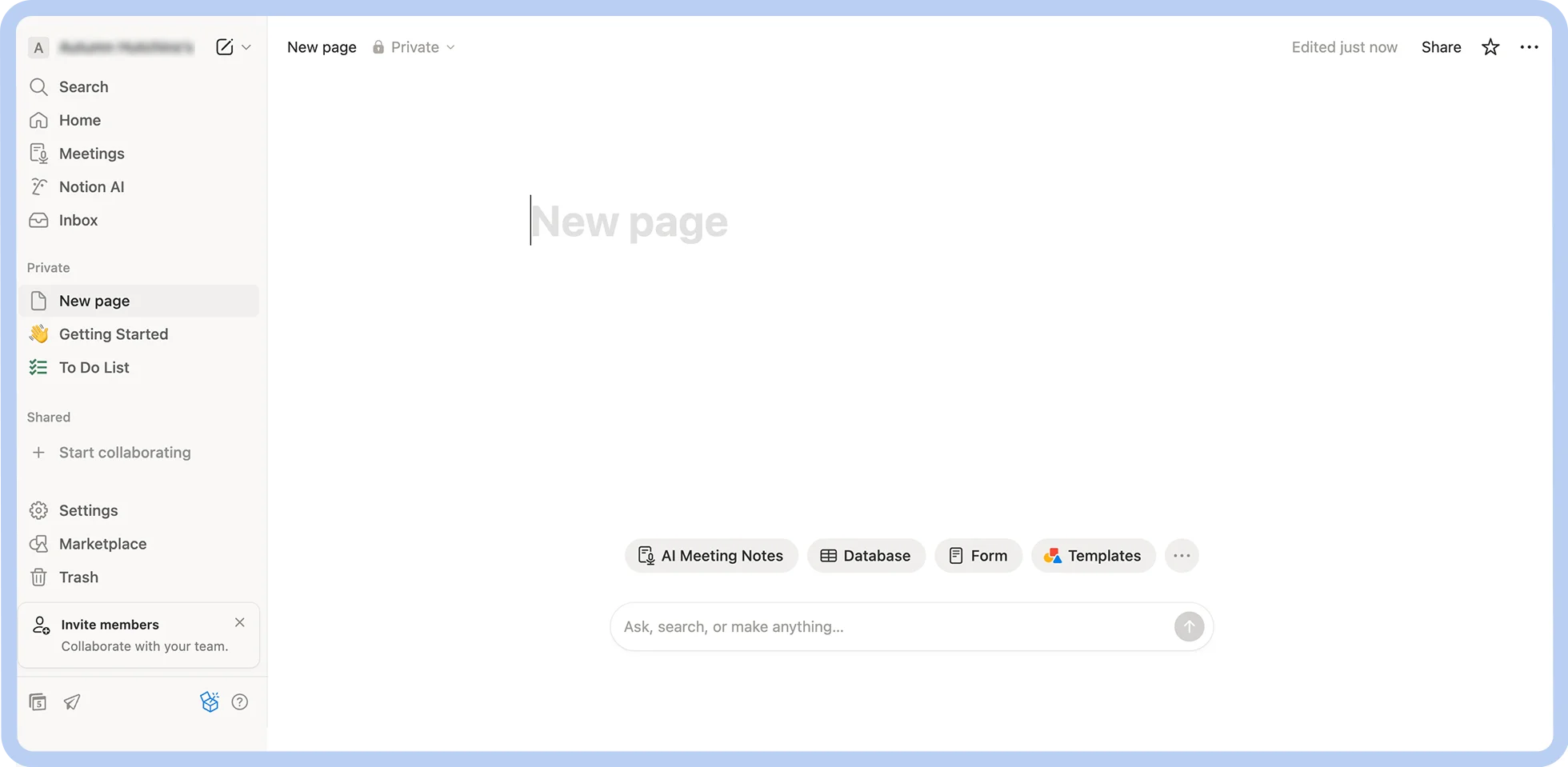

Flexible documentation needs
Integration with Notion ecosystem
Wide variety of use cases
Knowledge base management features
Intuitive formatting options
Limited use outside of Notion
Limited offline support
Steep learning curve
Block-based formatting
Pre-built customizable templates
Third-party integrations
Free
Plus: $10/user/mo (billed annually)
Business: $20/user/mo (billed annually
Enterprise: Custom
If Google Docs isn’t getting the job done for you, other tools can provide you with the capabilities you need.
Zoom Docs is a standout alternative to Google Docs, especially for teams already invested in other Zoom services. An AI-first tool tightly woven into Zoom Workplace, Zoom Docs is designed to make document creation easy, improve your team’s collaboration, and let you harness the time-saving power of AI.
Ready to make the switch? Check out our Zoom Docs guide for a detailed walkthrough or contact a Zoom Expert today.








