Zoom Paper
Zoom Paper

Automatically turn ideas into polished documents

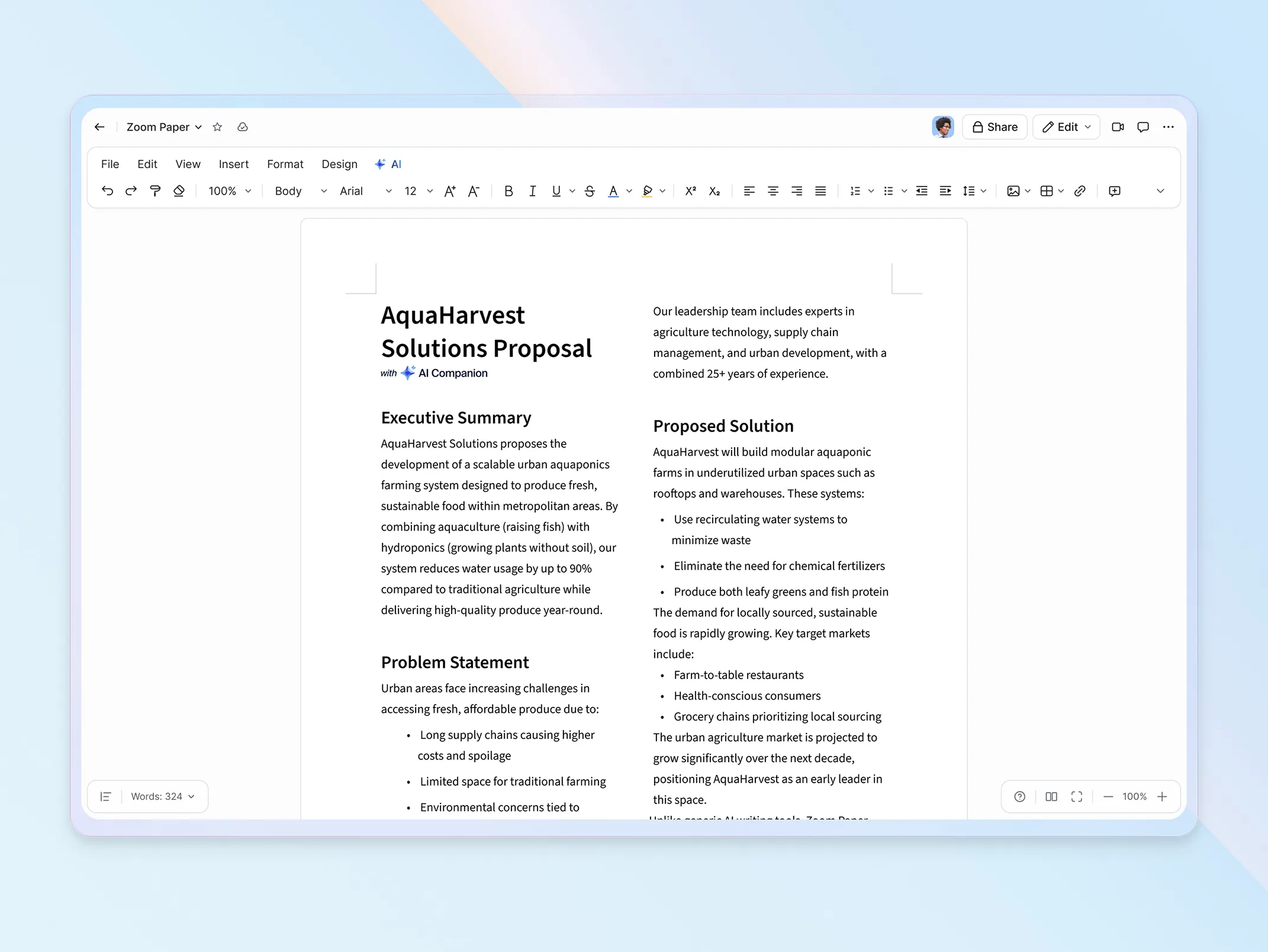
Create, refine, and share beautiful, professional documents — powered 
by AI that pulls context across all your work. Zoom Paper handles the heavy lifting, so your team spends less time formatting.

Zoom Paper
Format beautiful documents

Format beautiful documents

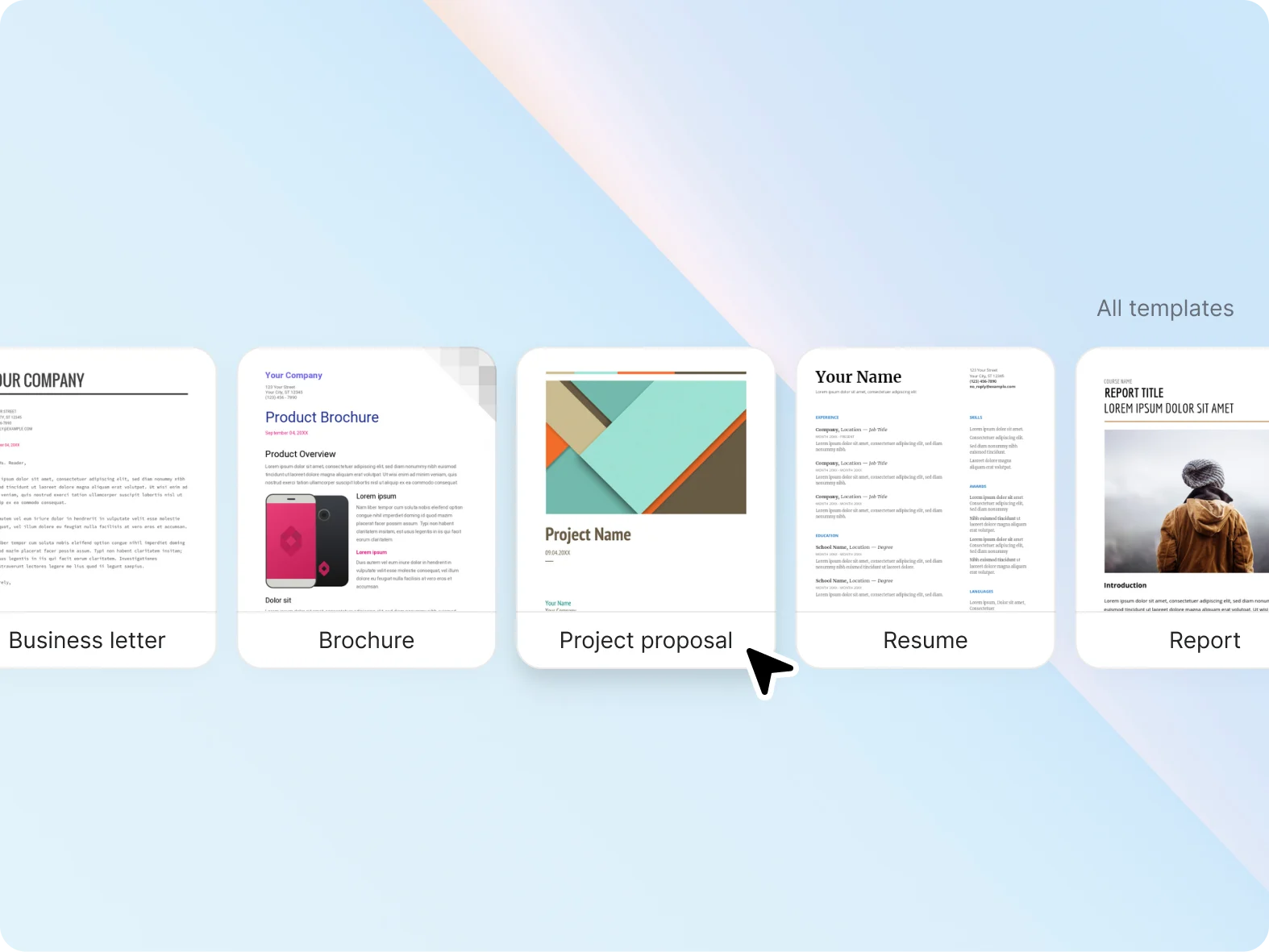
Build professional templates with your branding and style for quick, print-ready documents.

Import seamlessly & preserve formatting

Import seamlessly & preserve formatting

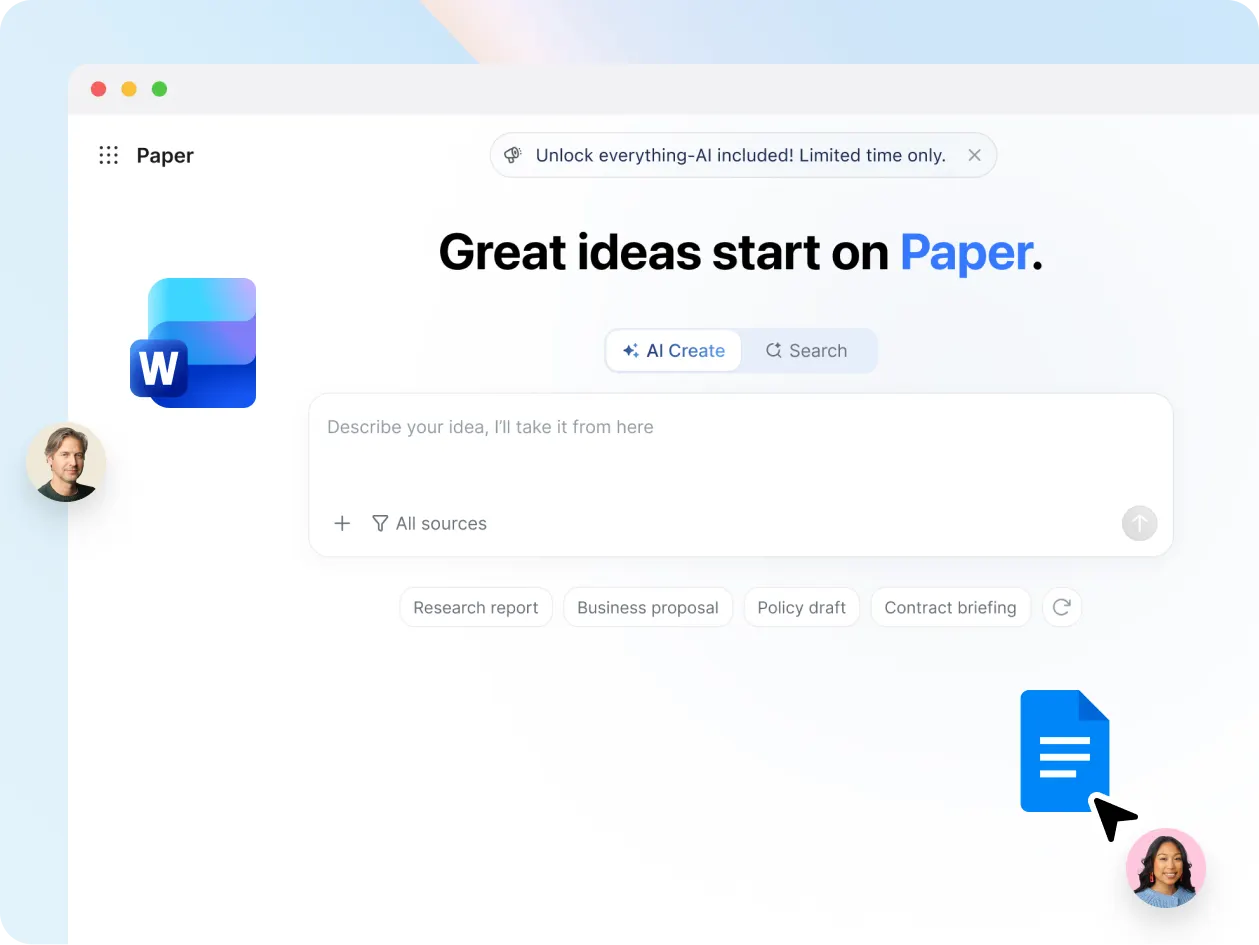
Import and export Microsoft Word and Google Docs files, and preserve your formatting.

Generate and refine with AI

Generate and refine with AI

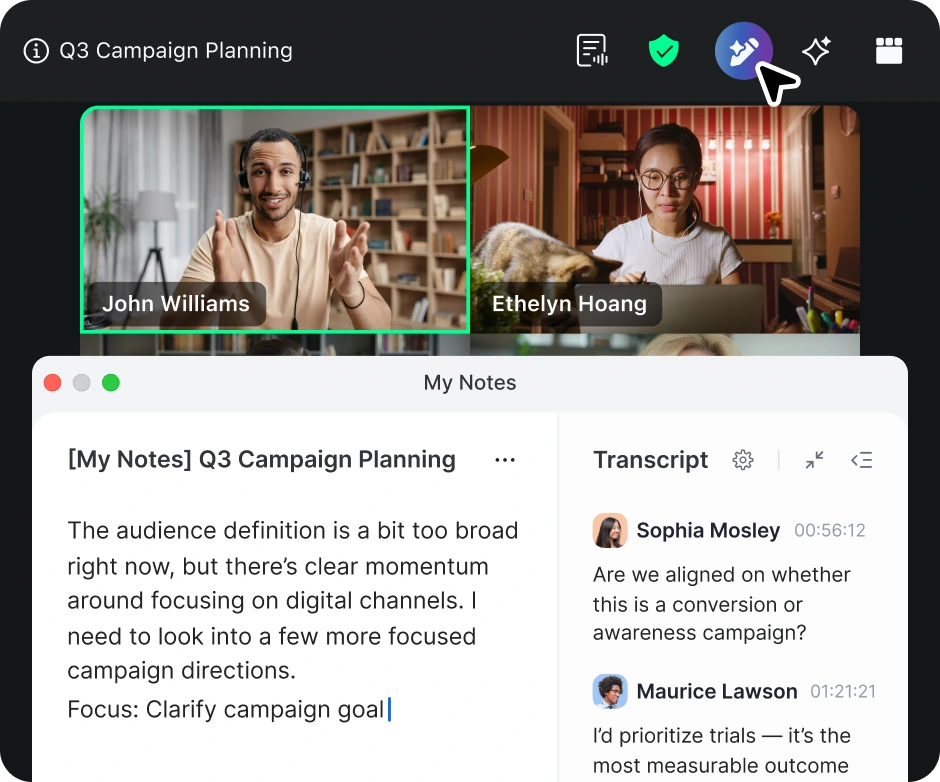
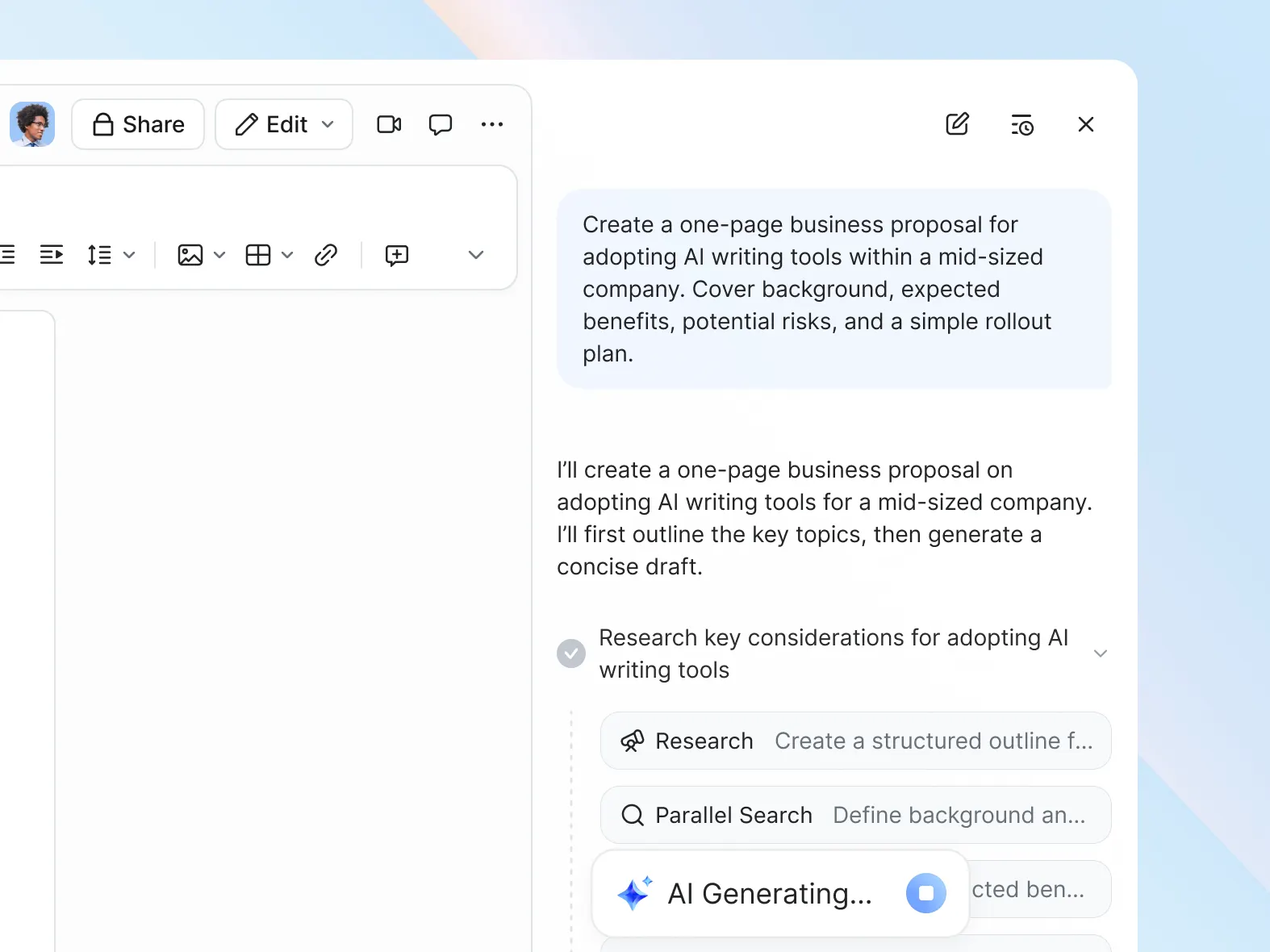
Let AI Companion use your conversations to generate a first draft, restructure what you have, or even adjust tone.

Key Features
Key features

AI-powered documents that work the way you think

Enterprise-quality templates

Build, save, and share unique, professional organization-wide templates easily with Zoom Paper.

AI assistant

Use AI Companion to auto-generate an initial draft, instantly restructure content, translate text for localization, even tweak the tone of something you've written.

Collaboration

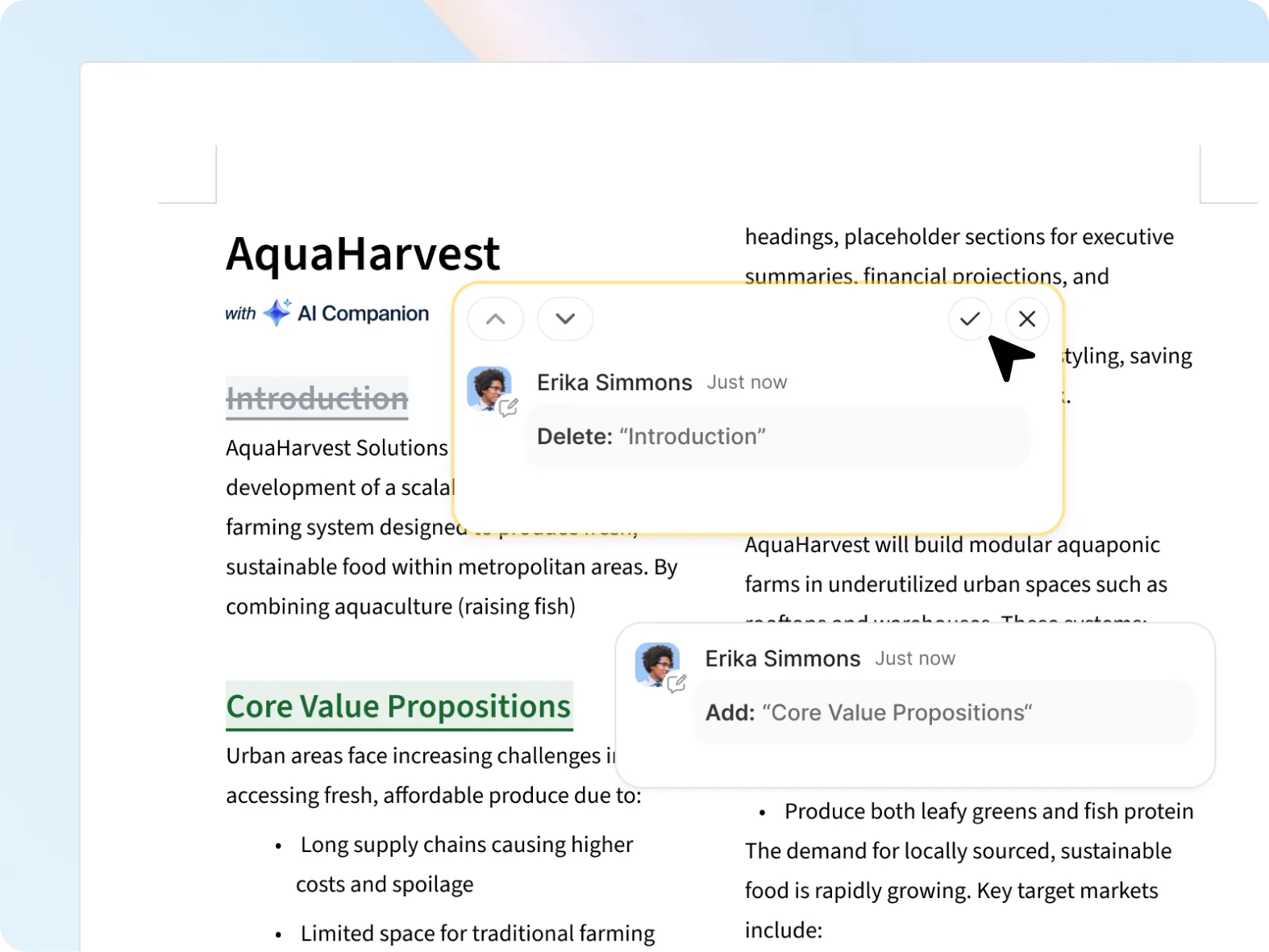
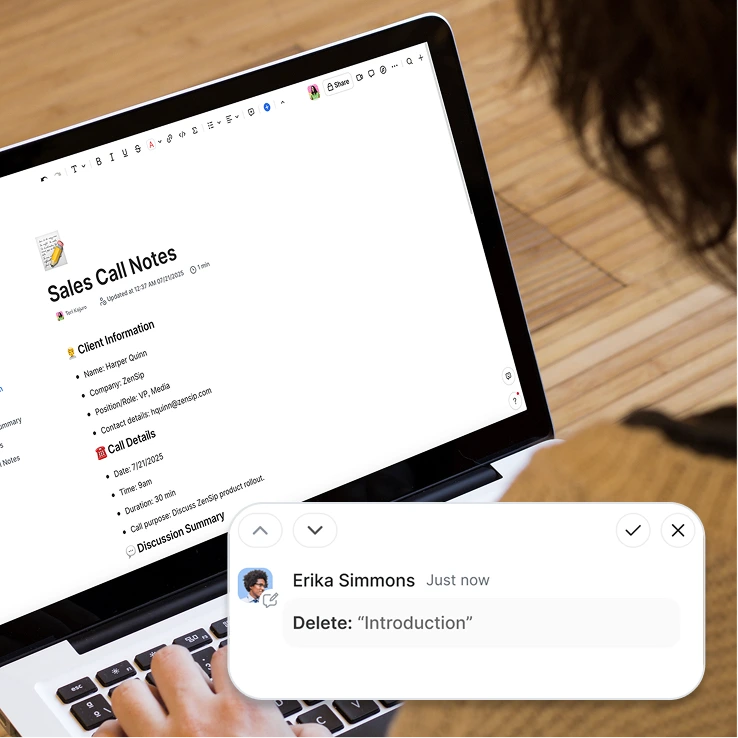
Loop in stakeholders without losing control. Use suggestion mode to track edits, add comments, and @mention experts, then accept or reject changes.

Compatibility with Word and GDocs

Import and export .docx Microsoft Word and Google Docs in the format you last saved it in. Fonts, objects, margins — everything in its right place.

Print-ready layouts
Pricing
Pricing

Explore Zoom AI Productivity Suite plans and pricing

Explore plans Explore plans ?? "";
Annually
AI Productivity Suite Basic Limited AI Productivity Suite features included with Workplace Basic.
Highlights:
  • Slides
    • Unlimited manual creation and edits
  • Sheets
    • Unlimited manual creation and edits
  • Paper
    • Unlimited manual creation and edits
  • Canvas
    • 3 AI document creation per month
    • Unlimited manual creation and edits
    • 1,000 rows per data table
  • Additional features
    • 7-day version history
    • 10 MB attachment upload limit
    • Personal templates only
    • Limited template library
  • Meetings
    • 40 minutes per meeting
    • 100 participants per meeting
  • AI features
    • Limited in-meeting use
  • Chat
    • Instant messaging
  • Phone
    • VoIP calling
  • Scheduler
    • 1 personal booking page
  • Whiteboard
    • 3 editable whiteboards
  • Clips
    • 5 two-minute clips
  • AI Productivity Suite
    • Limited AI capabilities
  • Mail
    • Connect Gmail/Outlook in Zoom
  • Calendar
    • Sync Google/Microsoft calendars
  • Tasks
    • Surface, manage, and complete tasks
  • Hub
    • One place for your Zoom files

* AI credits not included

AI Productivity Suite All AI Productivity Suite features added to Workplace Basic.

Note: Features and capabilities are subject to applicable usage limits, availability, and AI credit balances. Certain functions may require additional subscriptions or credits. Actual performance may vary depending on prompt, system conditions, and available data.

FAQs
FAQs

Got questions? We’ve got answers.

Zoom Paper is a cloud-based word processing application designed to bridge the gap between the old world of legacy docs and the new world of collaborative content creation. With Zoom Paper, you can build classic, beautiful documents in printable page layouts that you can also turn into templates for organization-wide use.

Zoom Canvas (formerly known as Zoom Docs) and Zoom Paper are both AI-powered, collaborative document creation productivity apps. Zoom Paper is a more formal, classic word processor designed to bridge the gap between the old world of legacy docs and the new world of collaborative content creation. With Zoom Paper, you can build sophisticated, classic-format documents in printable page layouts that you can also turn into templates for organization-wide use.

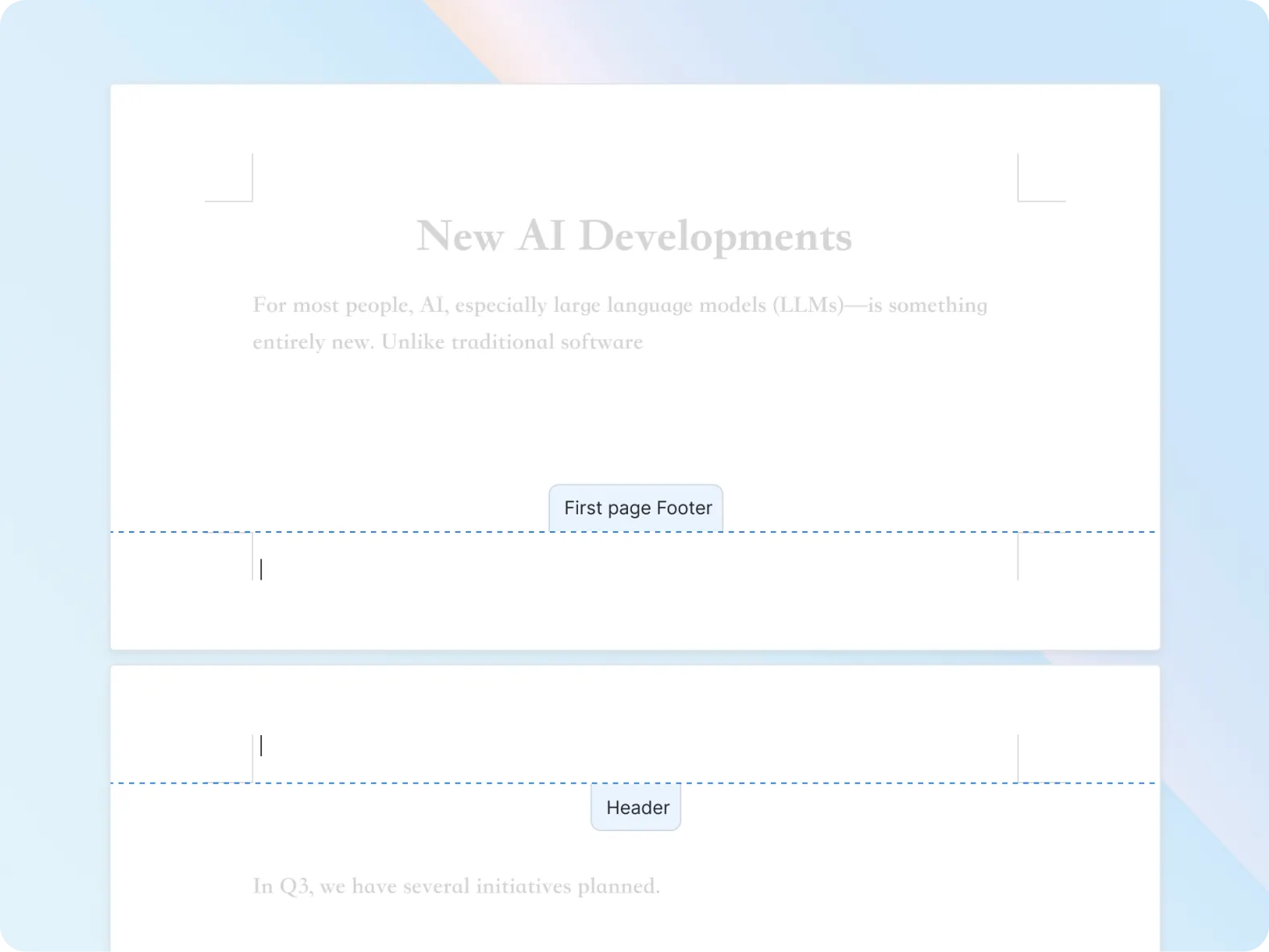
Zoom Canvas, meanwhile, is designed for collaboration across multiple digital content formats, from shared docs and wikis to tables and forms. Zoom Canvas's strength lies in its versatility and adaptability, especially for teams needing features like meeting notes and project timelines, while Zoom Paper's expertise is sophisticated, traditional document structure. Build living, highly collaborative documents with Zoom Canvas's block-based, drag-and-drop editing, or design within the boundaries of a quintessential document in Zoom Paper — with margins, headers and footers, pagination, and so on. No matter which solution you're using, you're getting powerful AI assistance, real-time collaboration, and the ability to templatize your documents to help you and your team save time and be more productive.


Zoom Paper is available as part of Zoom AI Productivity Suite.

Zoom Paper is currently only available as part of Zoom AI Productivity Suite.

AI features are available into every tool in Zoom's AI Productivity Suite, including Paper. Each AI Productivity Suite license includes a certain amount of AI credits that power intelligent features. For more information on AI credits please visit this support article.

Ready to try Zoom AI
Productivity Suite?