Creating a custom AI avatar requires a paid Zoom Workplace plan (which includes AI Companion at no additional charge) and a Custom Avatar add-on subscription.
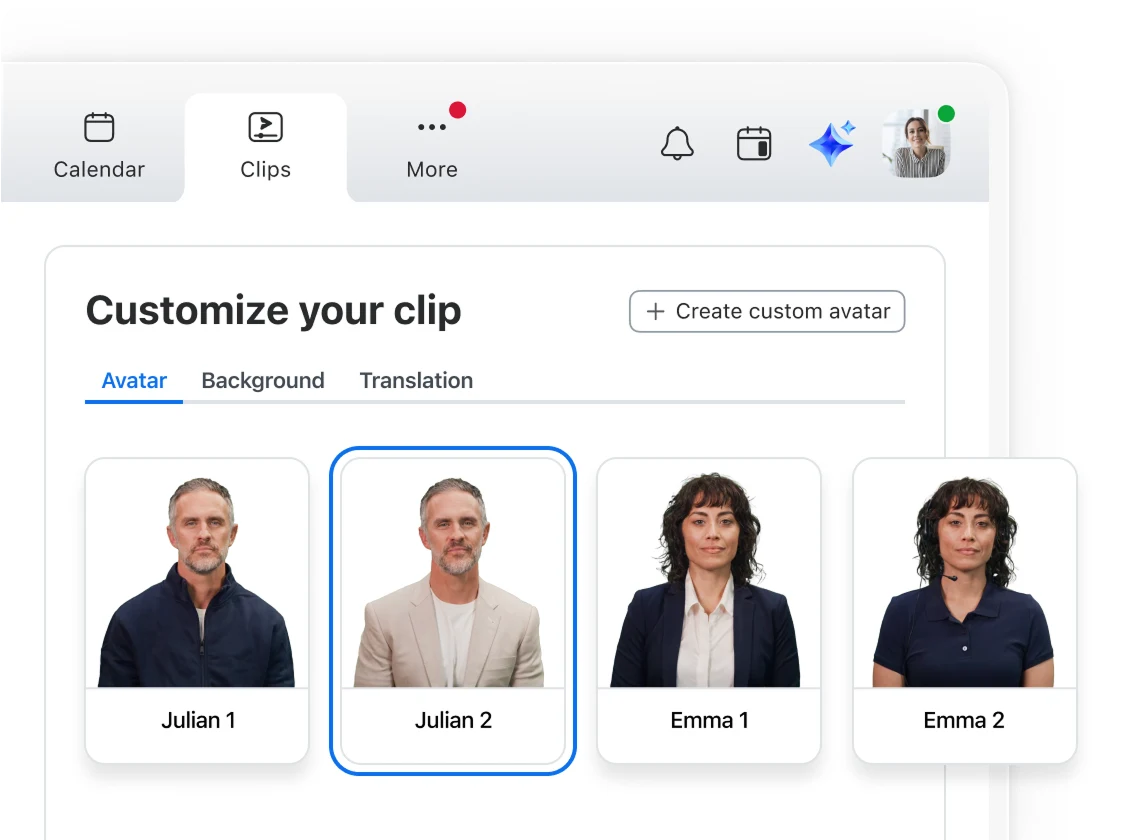
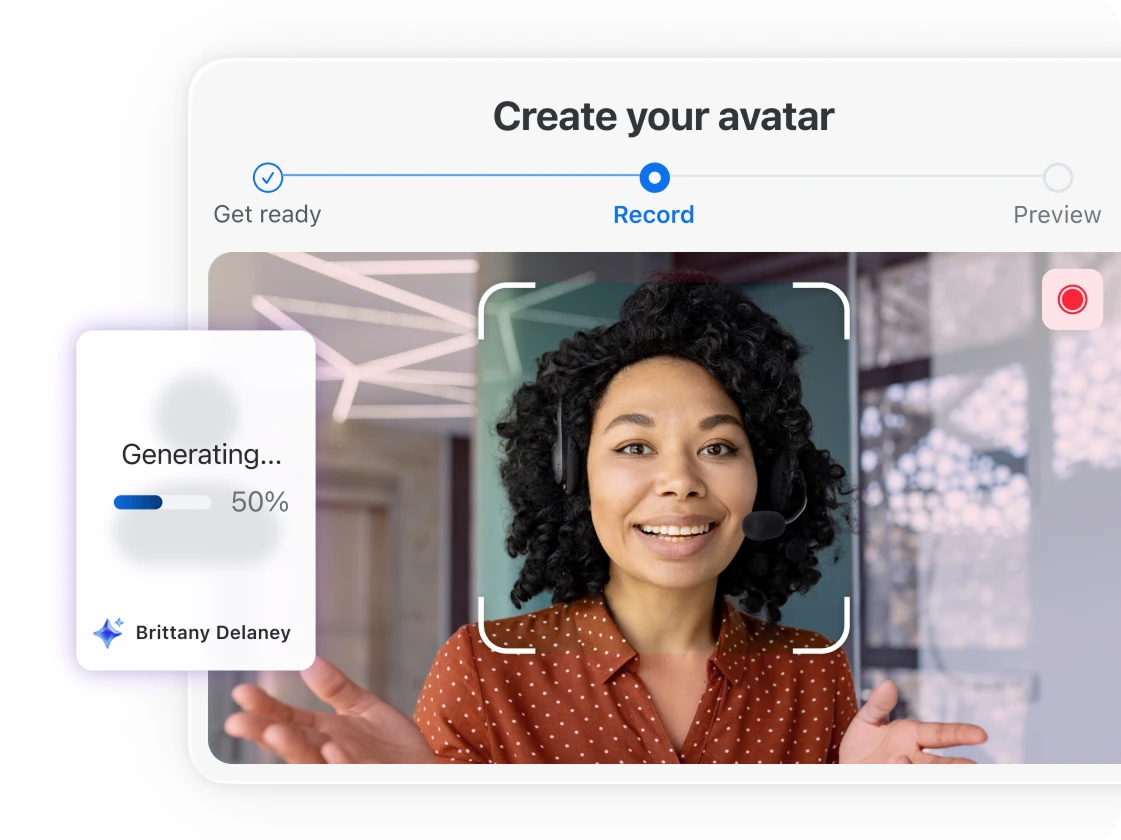
With this option enabled, navigate to Clips in the Zoom Workplace app or browser and select "Create with Avatars." Next, click "Get Started" and a pop-up window will guide you through the steps to create your custom avatar.
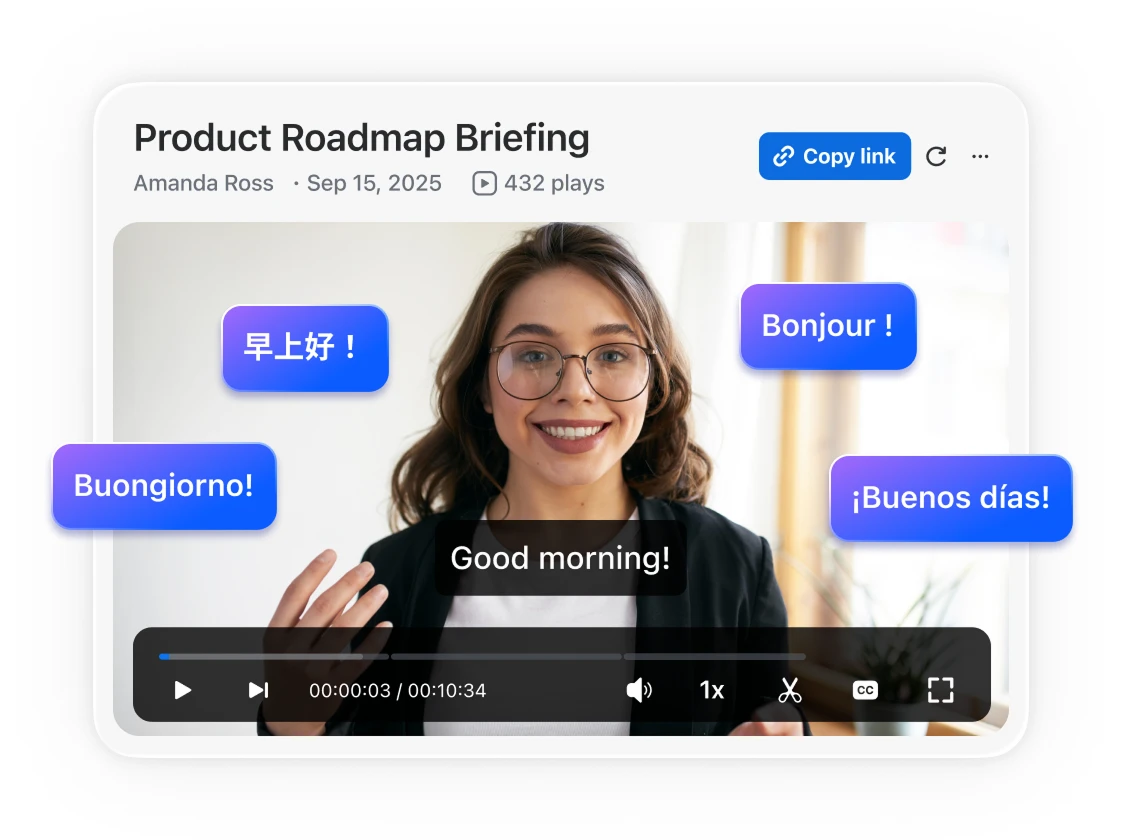
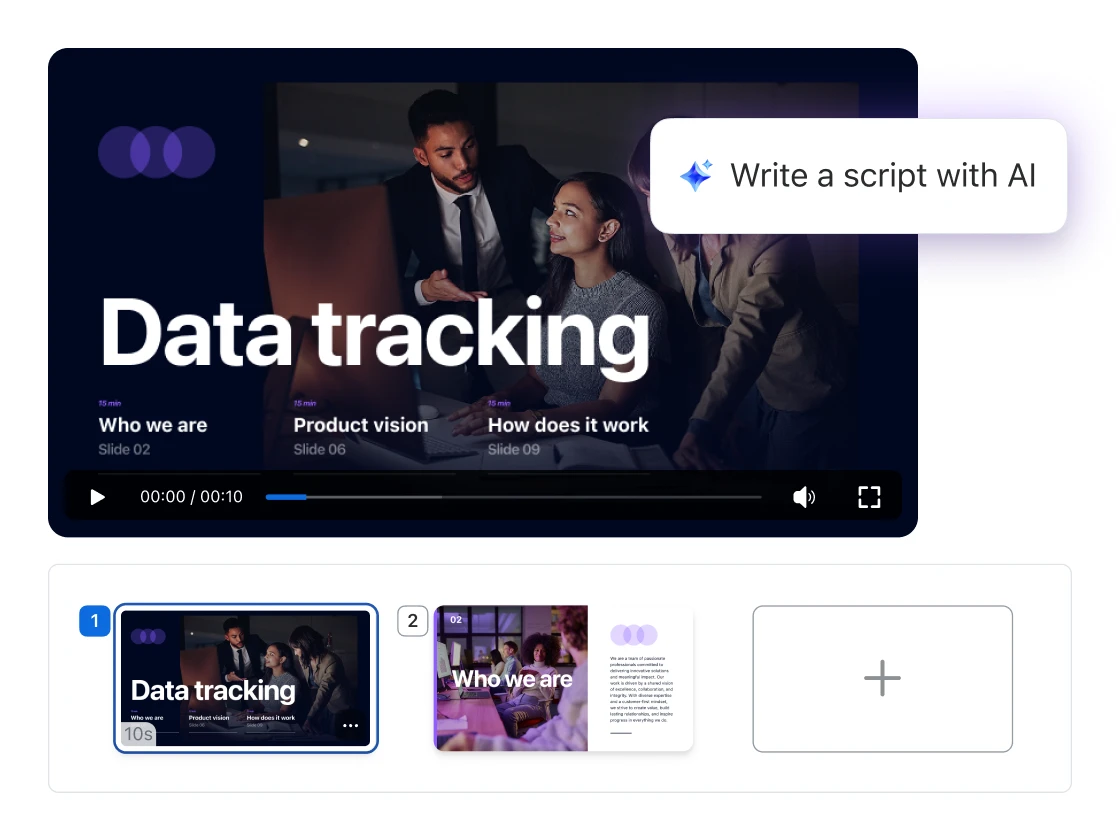
Once the process is complete, you'll be notified when the avatar is generated, and you can see your newly created avatar style, customize the background, and add a translation or enter a script to create your AI avatar clip.