No matter what line of business you’re in, you want to meet your customers’ needs at every point in their journey. Today’s consumers want brands to be available for instant communications on a broad range of channels — not just phone and email, but text message, social media, live chat, and even video.
Here are some tips for connecting with customers on Zoom Workplace:
Communicate anywhere, on any device
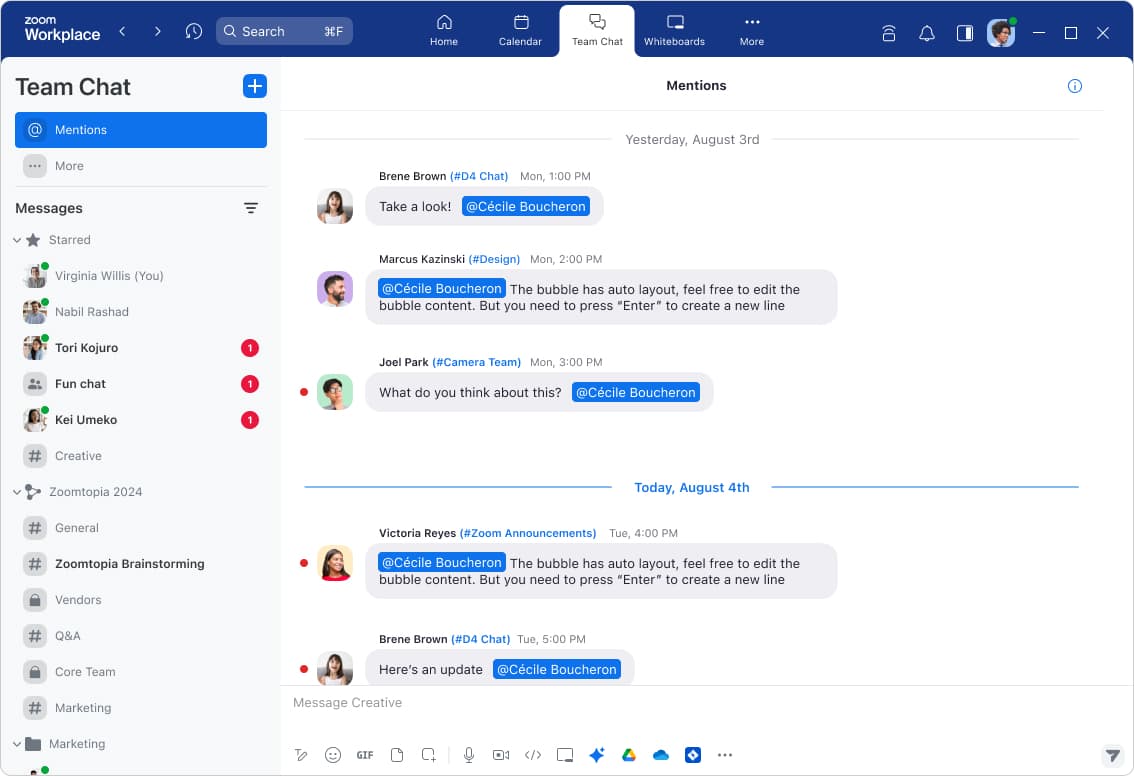
Even when you’re constantly on the go, you want to be there when your customers need you. Zoom works on a globally available suite of certified hardware solutions for offices, homes, workspaces, and mobile devices, and lets you move seamlessly from place to place. When you download the Zoom Workplace app, you can receive Zoom Phone calls, send a text, chat message, or join a Zoom meeting from your laptop, tablet, or smartphone. You don’t have to be tied to your desk or risk missing opportunities when you leave it.
Zoom Phone allows you to choose which number you call or text customers from, whether it’s a main business line or your own direct business number. Either way, you won’t have to use your personal number to reach customers or store their contact information on your personal device.
Respond faster with call queues
While you may have once been the sole person answering calls for your business, your growing team can help make sure your customers aren’t kept waiting too long. Setting up a call queue routes incoming calls to a designated group of users, like your entire sales team, leading to shorter wait times for customers.
You can even have an entire team helping to support text message response. When you set up SMS call queues, customer text messages will be sent to a group of employees for the first available rep to respond, cutting down on customer wait times.
Need a more robust customer experience platform? Check out Zoom Contact Center.
Engage your customers with video
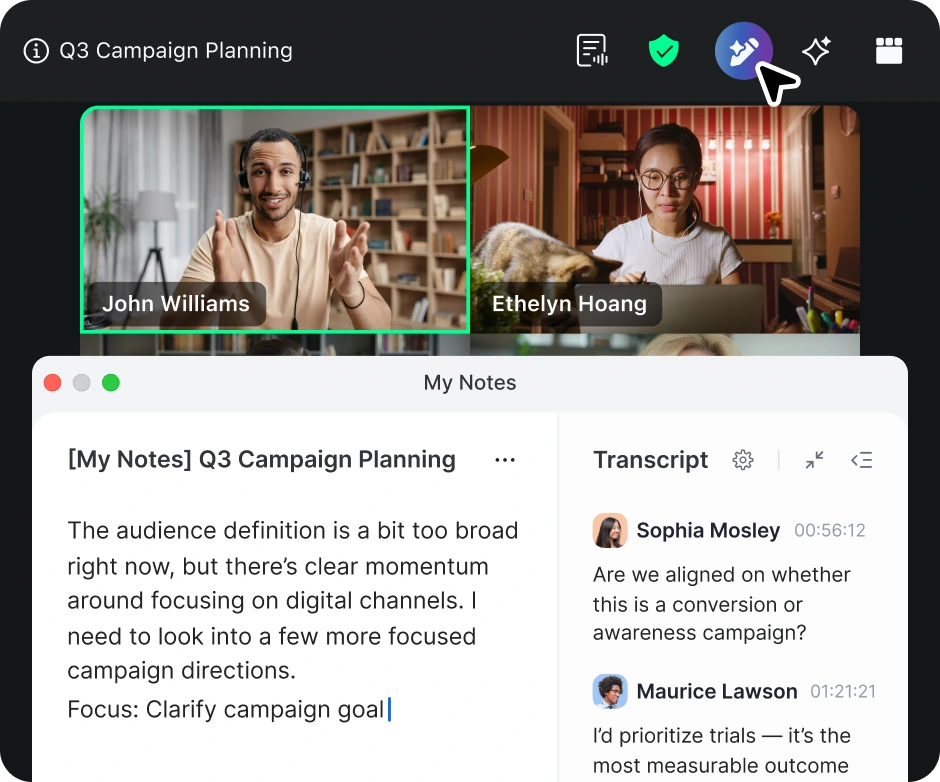
Embrace the advantages of video to reach new customers and offer virtual services. Features like screen sharing and annotation help build a dialogue with your customer during a consultation or allow you to deliver an engaging product demo. You can also create virtual touchpoints like a weekly office drop-in, or establish new revenue streams from virtual classes and events. Zoom AI Companion can provide you with meeting summaries from your customer calls so you can revisit your notes and identify action items and next steps.